

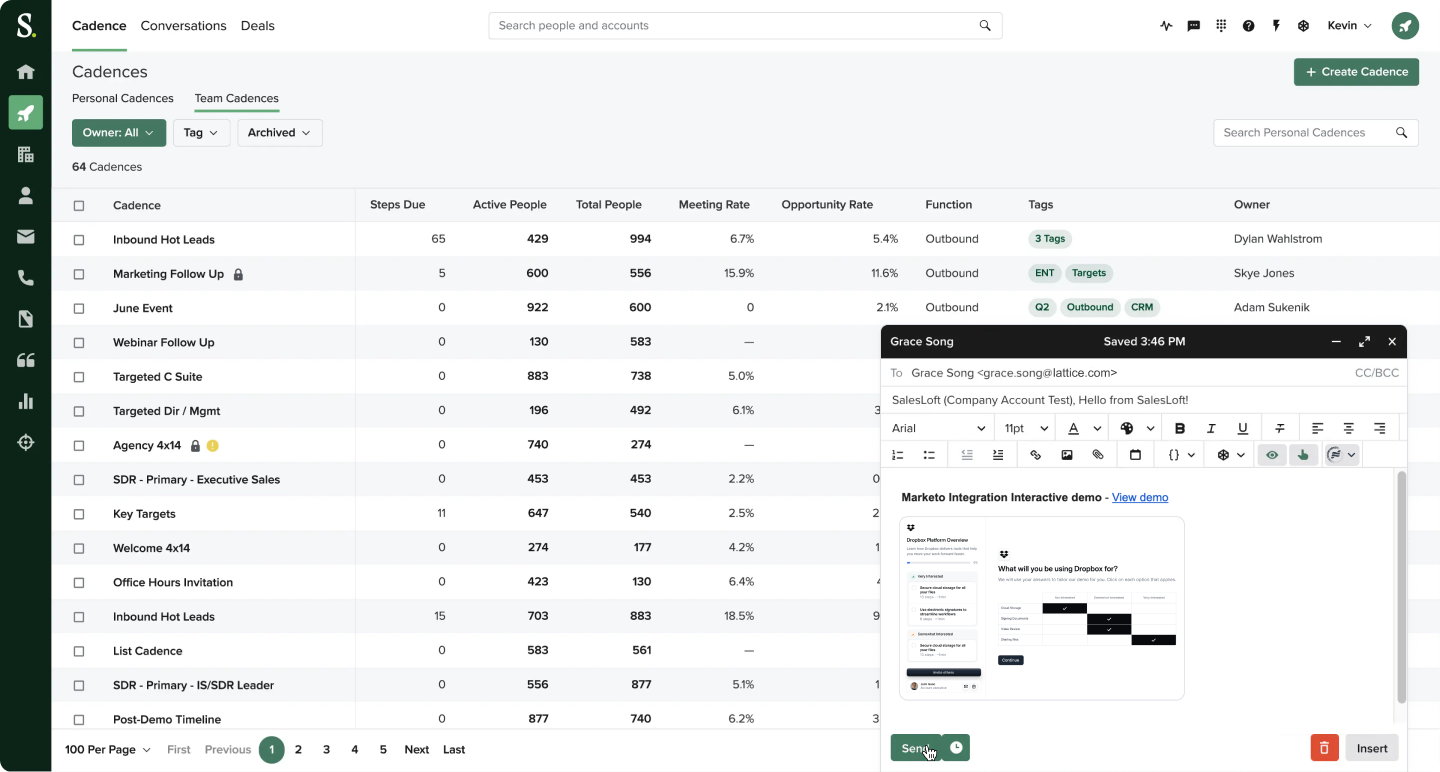
 Salesloft.
To access the Salesloft integration, please install the Navattic integration from the Salesloft integration settings page.
See Navattic Salesloft Marketplace listing for more details.
Salesloft.
To access the Salesloft integration, please install the Navattic integration from the Salesloft integration settings page.
See Navattic Salesloft Marketplace listing for more details.
1
Compose an email
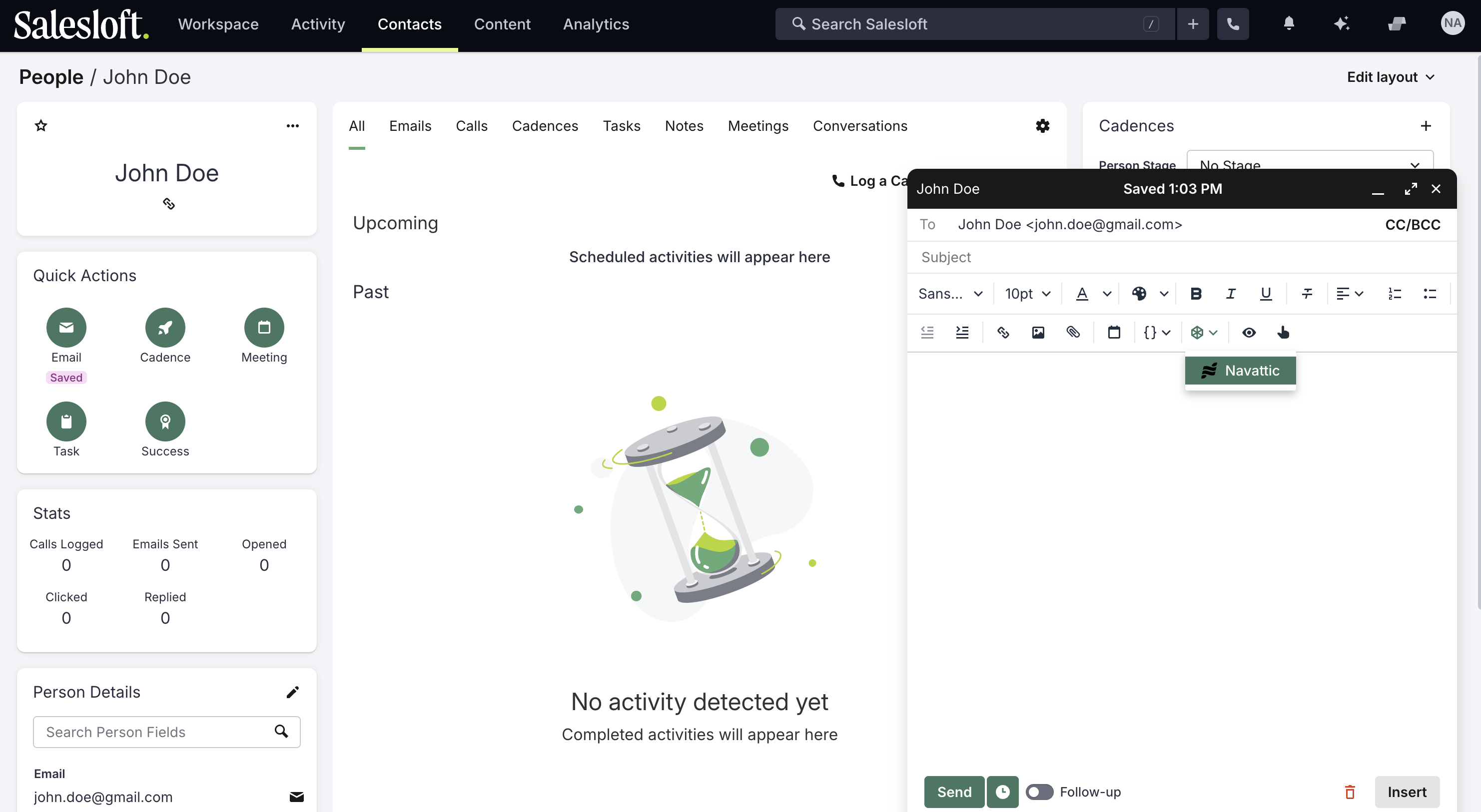 In the email compose window, click on the Navattic logo to
launch the integration.
In the email compose window, click on the Navattic logo to
launch the integration.2
Create a custom demo
Follow steps to create a custom demo.
3
Send the email
After creating the demo, the demo link and preview will be injected into the email body.