

What to send prospects
When reaching out cold, craft a short, personalized email that introduces the demo and includes clear instructions on how to view it. Set expectations around time investment (e.g., “This interactive demo takes just 3–5 minutes to explore”). Position the demo as a quick way to get a feel for the product’s value, no meeting required.How to follow up
Following up is essential for outbounding — the modern buyer evaluating software is busy and might have forgotten to open the demo. We recommend creating a reminder to follow up two days after sending a demo if there hasn’t been any activity. After two days:If the prospect has viewed the demo
This is a great opportunity to invite the prospect to book time for a live demo.If the prospect hasn’t viewed the demo
Encourage them to try the demo and offer assistance if they have any questions.What to do when a prospect views the demo
When a prospect views a demo, you’ll receive an Email alert as soon as the session has ended. We recommend reaching out to the prospect as soon as you receive this alert either by phone or email. In the email, you’ll receive insight of what the prospect is interested in. We recommend focusing your discussion on the prospect’s selected interests.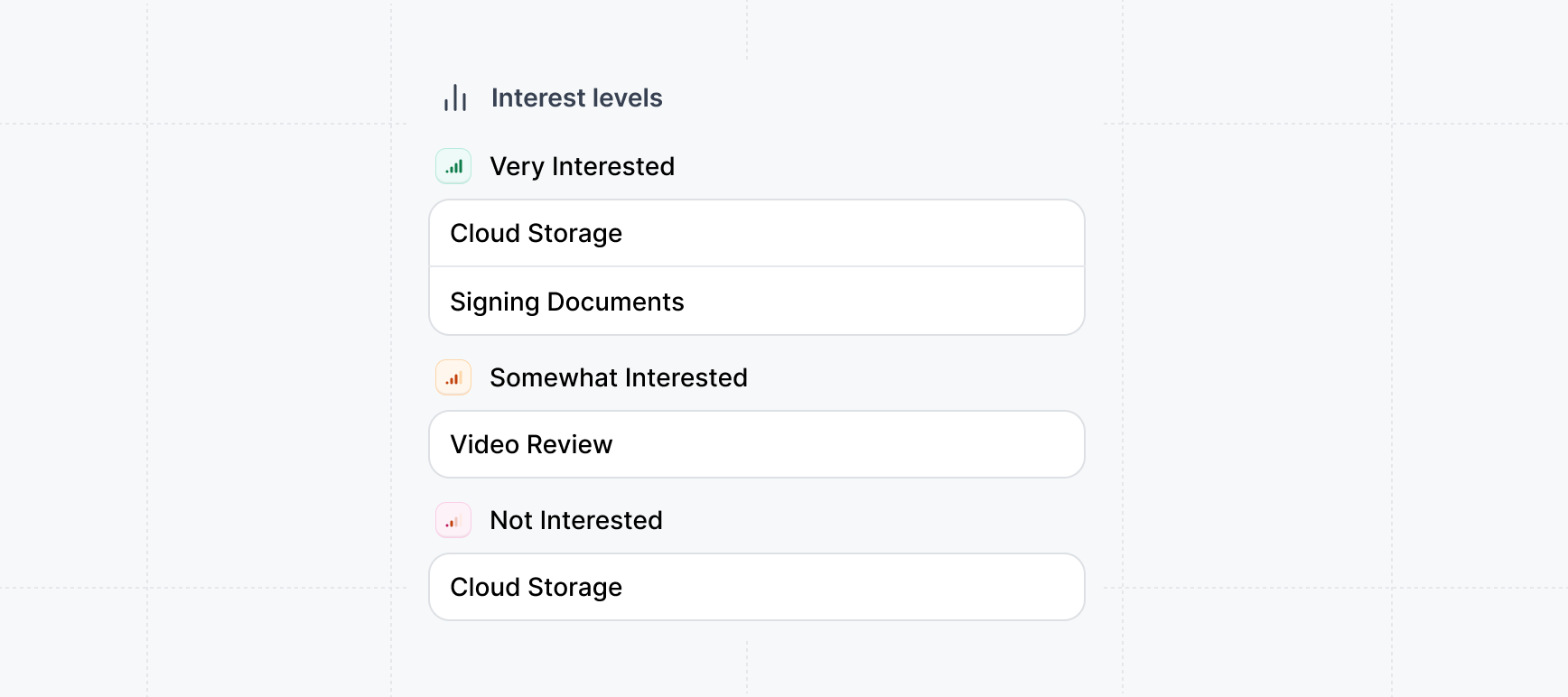
Example outbound plays
Looking for inspiration? Check out our example plays (like competitor takedowns, role-based personalization, or re-engaging churned customers) to spark ideas for your next outbound strategy. These approaches can help you tailor your outreach and stand out in the inbox.Closed lost (feature)
Closed lost (feature)
Use Interactive demos to highlight features that previously lost or stalled deals.
Competitor takedown
Competitor takedown
Use Interactive demos to highlight how your product performs better than your competitors.
Role/persona personalization
Role/persona personalization
- Different roles care about different aspects of your product, SEs want depth, PMMs want storytelling, Demand Gen wants conversions.
- For SEs: a demo that shows how the platform integrates, configures, or scales, i.e. technical proof points.
- For Product Marketing: a demo built to highlight a new feature or message launch, showcasing the story they want to tell.
- For Demand Gen: a short, conversion-focused demo that mirrors the website journey and encourages action.
Churned customer re-engagement
Churned customer re-engagement
Outbound to churned customers who churned due to: strategy fit, feature functionality, etc.
Example outbound email templates
Try some of other example email templates for outbounding we created to get started. We recommend tailoring them to your product and use case.Customized demo for {Company}
Customized demo for {Company}
Interactive demo for {Company} – no signup needed
Interactive demo for {Company} – no signup needed
See how {Problem} gets solved in 2 minutes
See how {Problem} gets solved in 2 minutes
A faster way to evaluate {Product}
A faster way to evaluate {Product}
Thought this demo might be relevant
Thought this demo might be relevant
Create templates for your emails
Once your happy with your copy, create email templates to save yourself time and effort when sending out emails.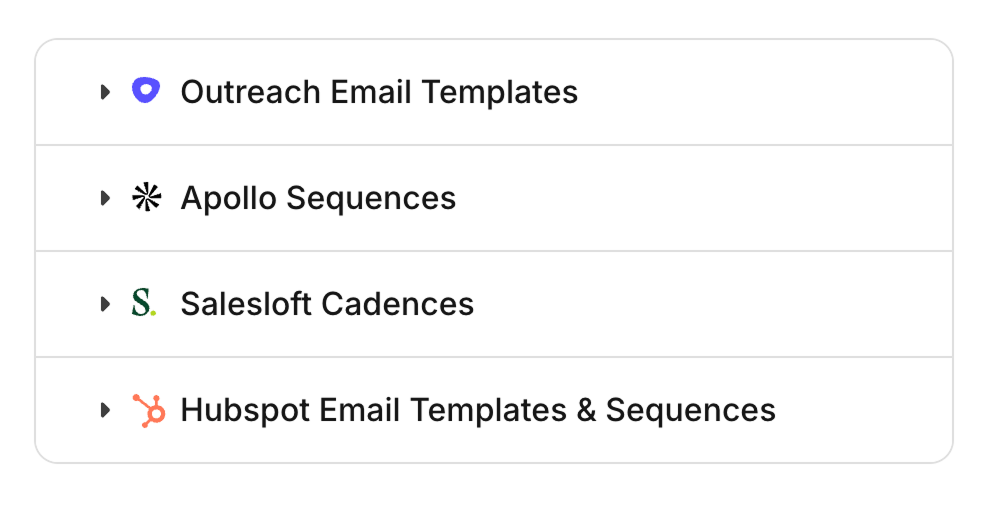
Adding demos to email templates
Save email templates in your preferred email outbounding tool