

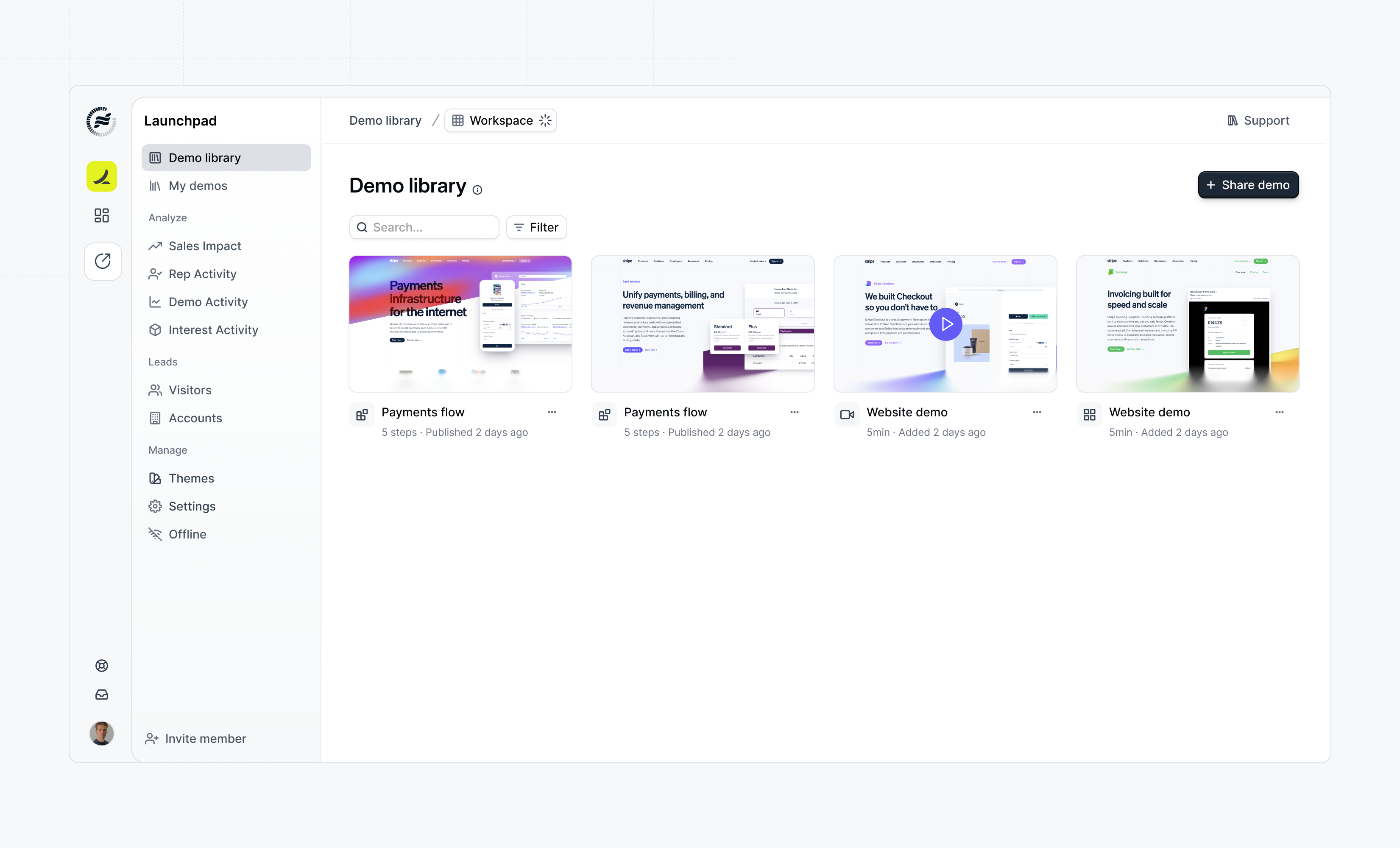
How the Demo Library Works
For Admins
Admins create the building blocks that reps will use:- Standard Demos - Complete, ready-to-share demos for common use cases
- Custom Flows - Modular flow templates organized by interest/topic
- Custom Videos - Video content that can be combined with flows
For Reps
Reps access the Demo Library to:- Browse all available demo content in one unified view
- Search and filter by interest, tags, or keywords
- View demo metadata and descriptions
- Share standard demos directly, or assemble custom demos from flows and videos
Creating Content for the Library
Creating a Custom Flow
Custom flows are the building blocks for personalized demos. To create one:1
Navigate to Demo Library
Navigate to Demo Library in Launchpad and click Add content.
2
Select Custom Flow
Select Custom Flow from the options. Choose to create from scratch or start from an existing flow.
3
Configure the flow
Configure the flow details:
- Select an Interest category (e.g., “Analytics”, “Reporting”)
- Enter a Name that will display in the checklist
- Add an optional Description
4
Edit and design
Edit and design your flow content.
5
Publish
Click Publish to make it available in the library.
Creating a Custom Video
Videos can be combined with flows to enrich custom demos:1
Navigate to Demo Library
Navigate to Demo Library in Launchpad.
2
Add Custom Video
Click Add content and select Custom Video.
3
Upload or record
Upload or record your video content.
4
Assign Interest & Tags
Assign an Interest category and add Tags to organize your video.
5
Publish
Publish to make it available.
Adding Standard Demos
Standard demos are complete projects that reps share without modification:1
Create or select demo
Create or select an existing demo project.
2
Add to library
Add it to the Demo Library with appropriate tags and interests.
3
Share
Reps can then share it directly from the library.
How Reps Share Demos
Once content is available in the Demo Library, reps can share demos:Sharing demos
Learn how to share demos from Launchpad
Next Steps
Once you’ve prepared your Demo Library with content, invite your sales team:Adding the sales team
Invite reps to your Launchpad workspace