

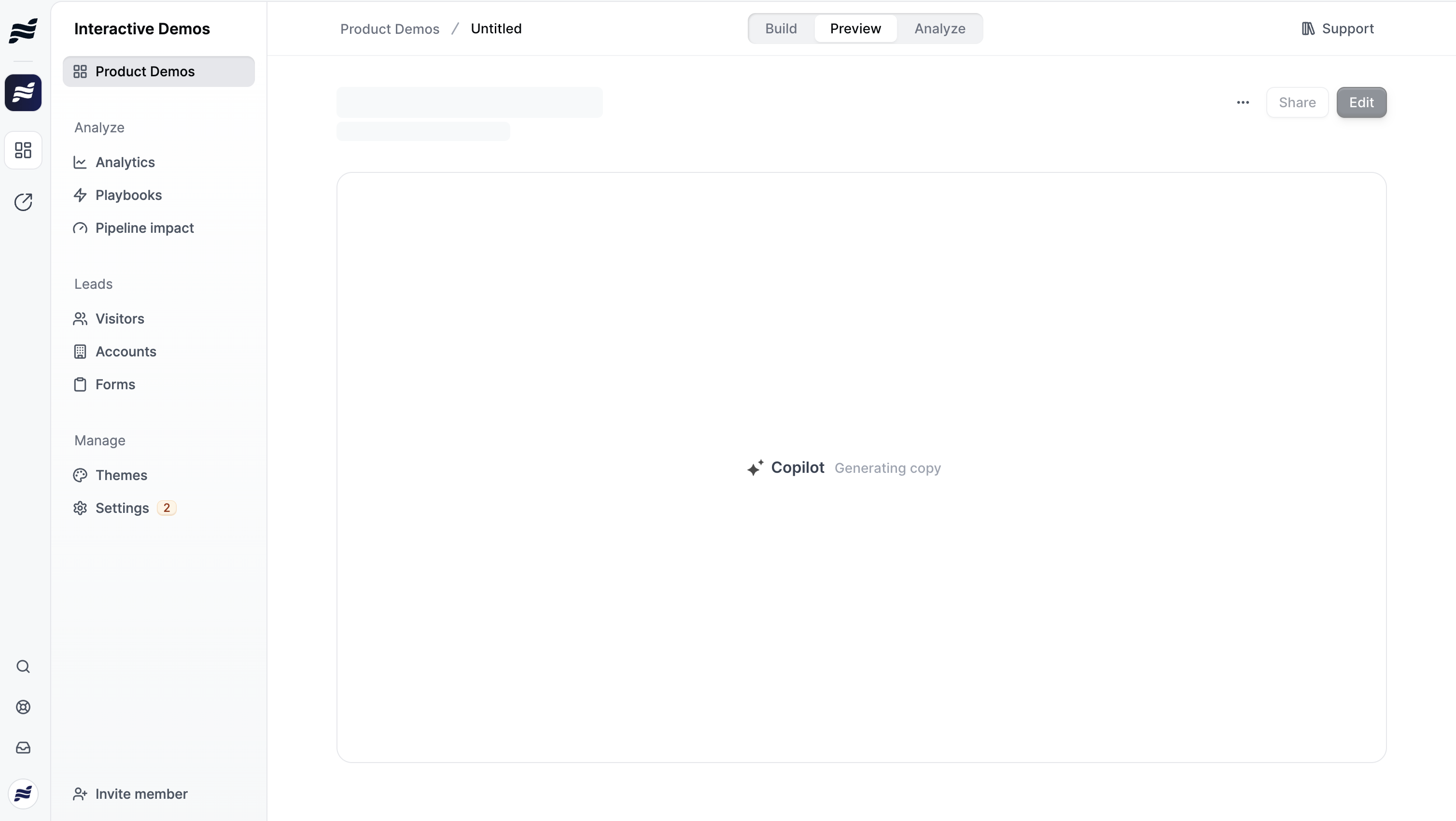
How It Works
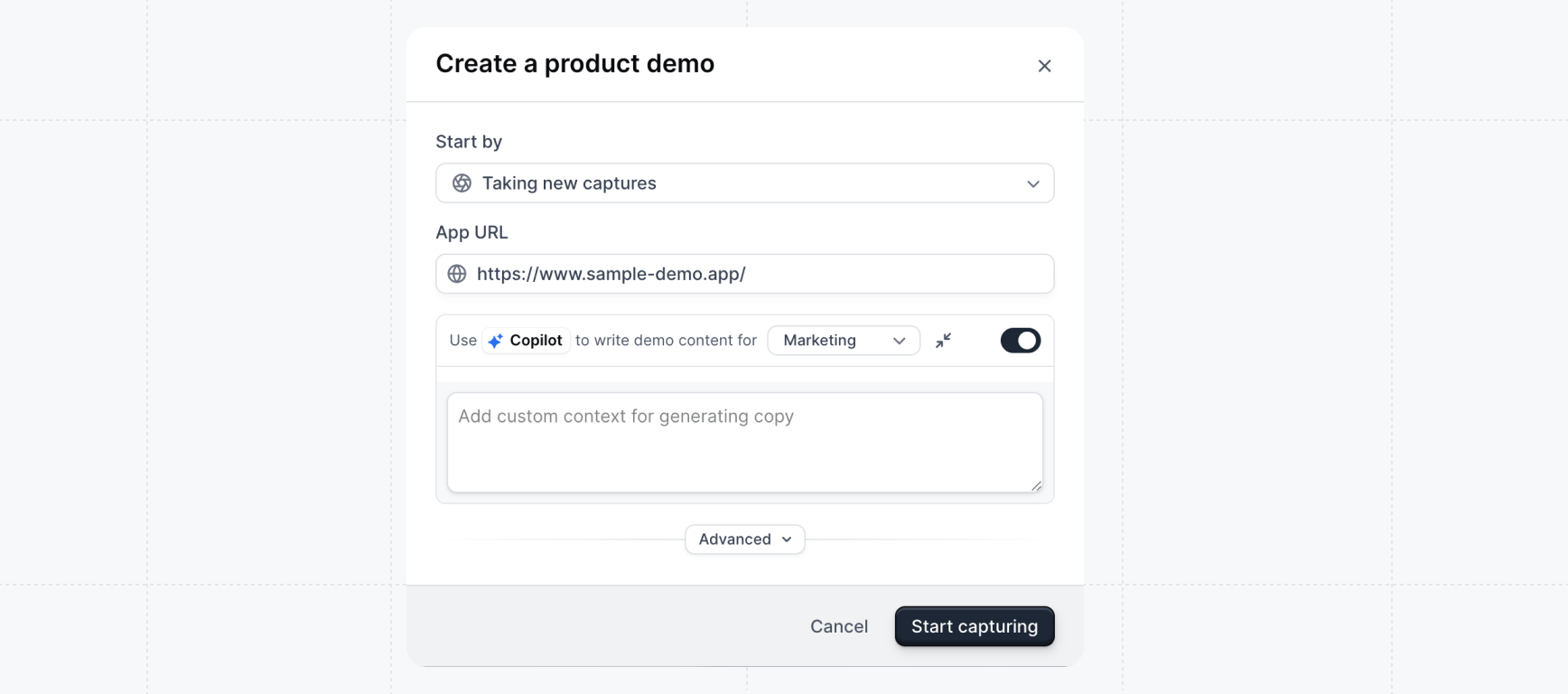
The click areas you create during the capture process are passed to Copilot as anchors. These anchors help Copilot understand which areas of each capture are important. Copilot then writes content that highlights the right features and guides viewers to the correct elements. You can use Copilot Generate in two ways:- When creating a new Product Demo - Enable Copilot during the demo creation process
- From existing captures - Create a new flow from captures you’ve already taken
- Select your captures - Choose the captures you want to include in your flow
- Enable Copilot - Toggle on “Use Copilot to write demo content”
- Choose a use case - Select from your configured use cases (e.g., Product Tour, Feature Highlight, Onboarding)
- Add context (optional) - Click the pencil icon to open the context field. Add instructions to guide the AI, such as target audience, tone, or specific messaging. Available on all plans.
- Generate - Copilot will analyze your use case and captures and generate appropriate content for each step
Automatic URL Reading
When you generate a flow, Copilot automatically reads the URLs from your captures to understand your product in context. This means Copilot can pull in real product details — feature names, navigation labels, and page content — directly from your live application. For example, your captures might include a docs page or pricing page. Copilot references the actual content on those pages to write more accurate, relevant demo copy. No need to manually describe your product — Copilot reads it directly from the source. This works automatically with any URL your captures were taken from. The more pages you capture, the more context Copilot has to work with.What Copilot Generates
- Step titles and descriptions - Clear, action-oriented text that guides viewers through your demo
- Tooltip and modal content - Contextual explanations that highlight key features
- Button text - Engaging calls-to-action that encourage progression
- Step appearance recommendations - Suggestions for whether each step should be a tooltip, modal, or capture only
Use Cases
Use cases are predefined contexts that guide how Copilot generates demo content. When you select a use case, it shapes the writing style, tone, step content, and call-to-action suggestions to match your intended audience.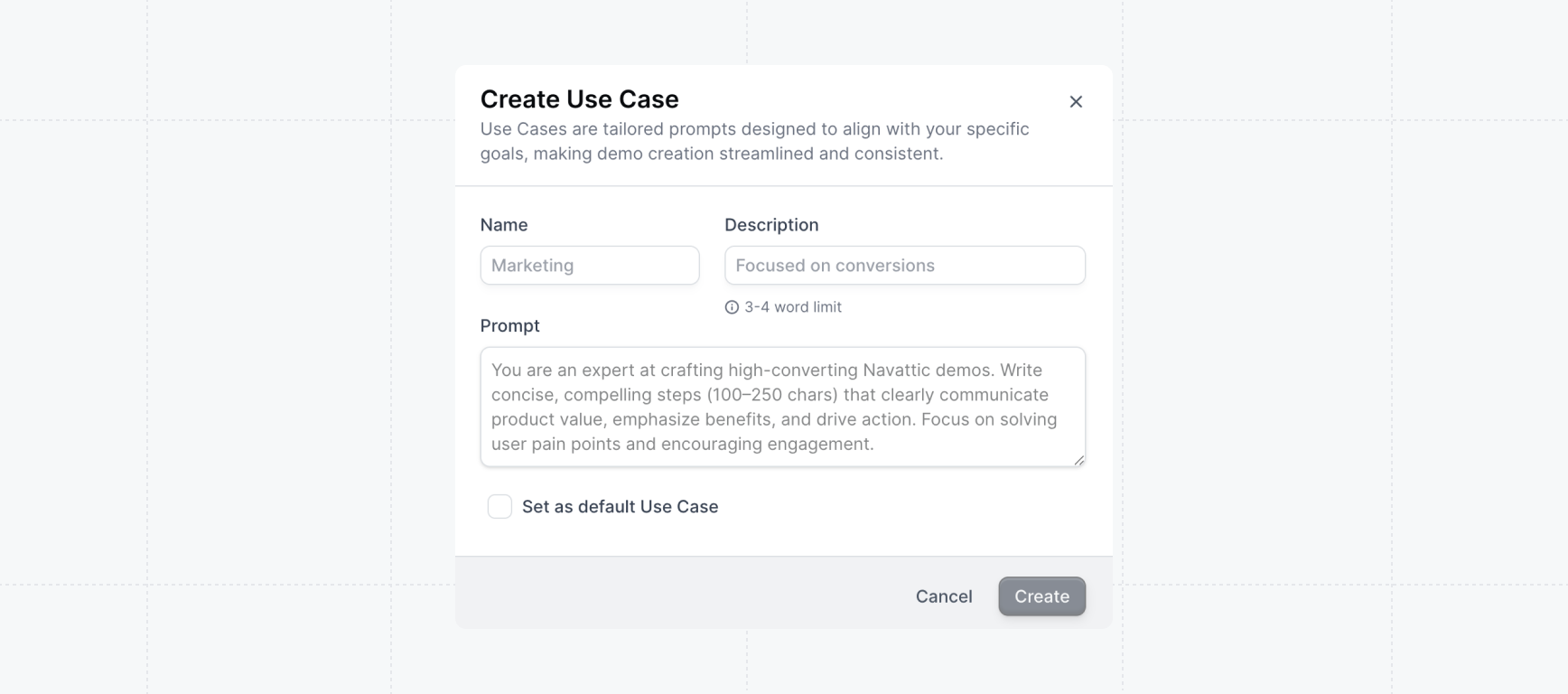
Default Use Cases
Navattic includes four default use cases:Custom Use Cases
Custom use cases are available on Base, Growth, and Enterprise plans. Please reach out to your
account manager or support@navattic.com to learn more.
Brand and Tone
Copilot Generate uses your workspace’s Brand and Tone settings to match your voice across all generated content. Navigate to Settings > Copilot to configure three key fields:- Brand and Tone - Define your writing style, formality level, and vocabulary preferences. Use the suggestion chips (e.g., Conversational, Professional, Action-oriented) to quickly build your voice profile, or type your own guidelines.
- Product Context - Describe what your product does, key features, value proposition, and specific terminology your team uses.
- Go-to-Market Context - Provide details about your sales motion, CTA language, pricing model, and target audience.
Uploading context
Instead of filling in the fields manually, you can have Copilot extract context for you from a website or a document. Click Upload context at the top of the Settings > Copilot page to open the upload modal.1
Choose your source
Select Website to paste a URL (for example, your pricing or product page), or select
File to upload a PDF, Markdown, or plain text file. Copilot reads the content and extracts
relevant brand voice, product context, and go-to-market context.
2
Generate
Click Generate. Copilot scans the source and extracts structured content into the three
context fields. This usually takes a few seconds.
3
Review and edit
Before anything is saved, Copilot shows you the extracted content so you can review and edit it.
Make any adjustments, then continue.
4
Apply
If your workspace already has context saved, choose whether to Replace the existing content
or Merge the new content with what’s already there. Click Apply context to save.
Automatic demo titles
When you publish a demo without a name, Copilot automatically generates a title based on the content of your steps. The title appears in the demo breadcrumb right after publishing, no page reload required. To rename your demo before publishing, click the demo title in the breadcrumb at the top of the builder and type a new name.Automatic demo titles require Copilot to be enabled on your workspace. Contact your account
manager to learn more.
Best Practices
- Provide context - The more context you give Copilot about your audience and goals, the better the generated content will be
- Review and refine - Always review generated content and make adjustments to match your brand voice
- Configure Brand and Tone - Set up your brand voice, product context, and GTM strategy in Settings > Copilot so Copilot generates on-brand content from the start
- Capture key pages - Since Copilot reads your capture URLs, capturing product pages with rich content (docs, feature pages, pricing) gives it more to work with
- Use appropriate use cases - Setting up use cases with brand guidelines helps Copilot generate more consistent content