

- Scale width
- Responsive
- Scale width and height
- Fixed
- Contain
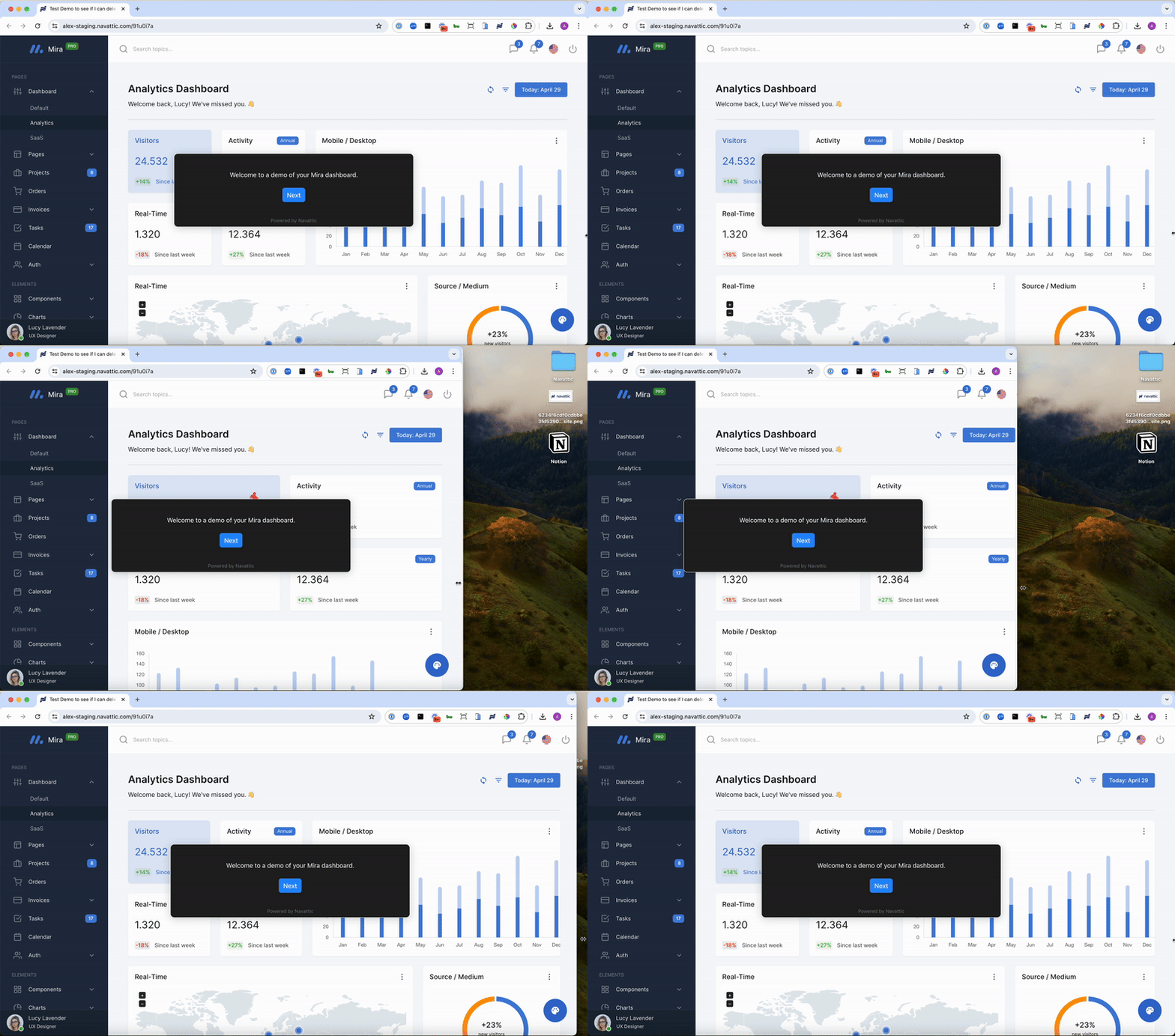
This option will fit the width of the capture to the width of the visitor’s screen. This is a good option if you are embedding a demo in a smaller iFrame or expect it to be viewed on a variety of devices.
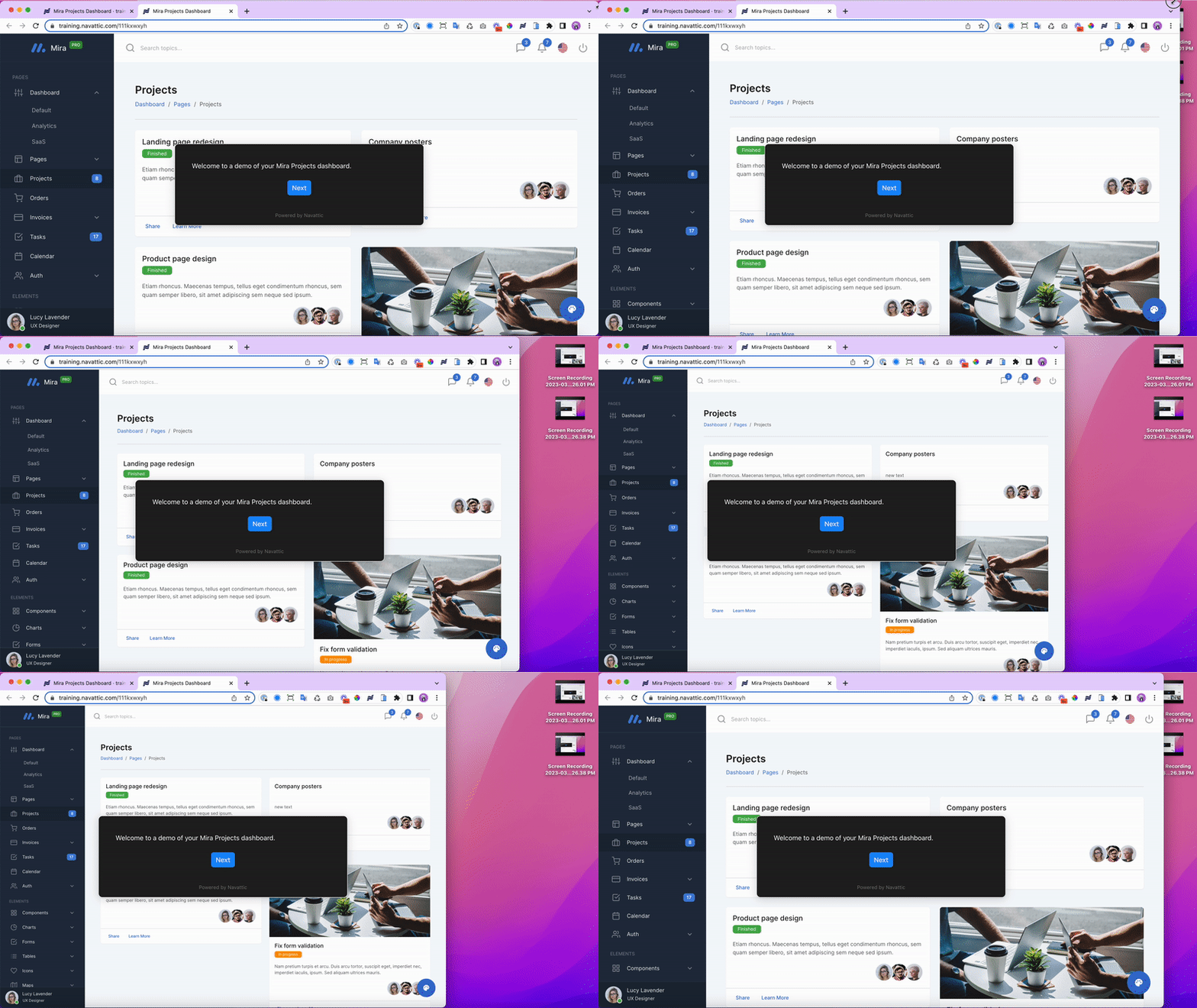
Tip: Resize your window to 1440 x 900px or smaller when taking Captures for a consistent
experience with Scale Width.
Show preview
Show preview


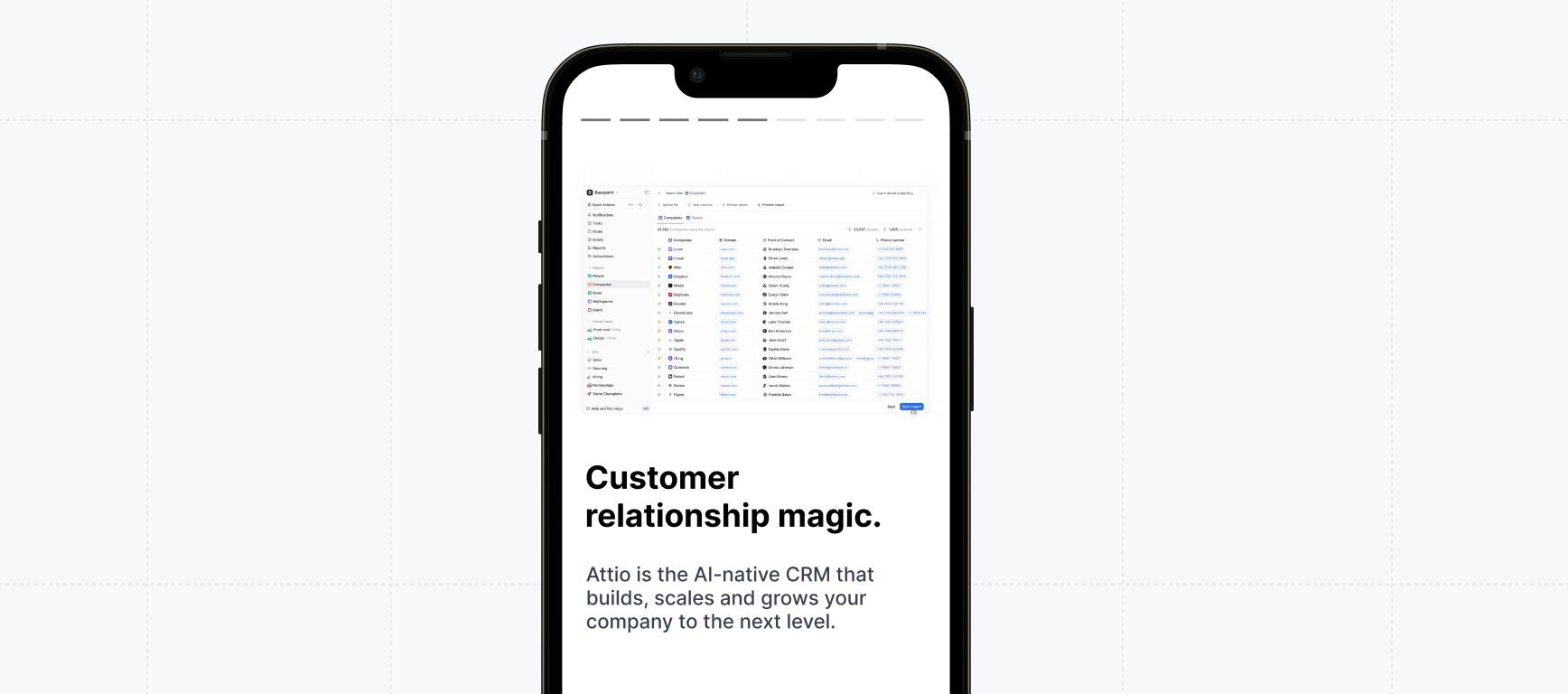
Demos on mobile
Configure how your demos appear on mobile devices and smaller screens.