Recommendations
For a Free Trial, Freemium, or newly onboarded audience, we recommend:- Keep your flows short (5-8 steps) to ensure new users are not overwhelmed by your product.
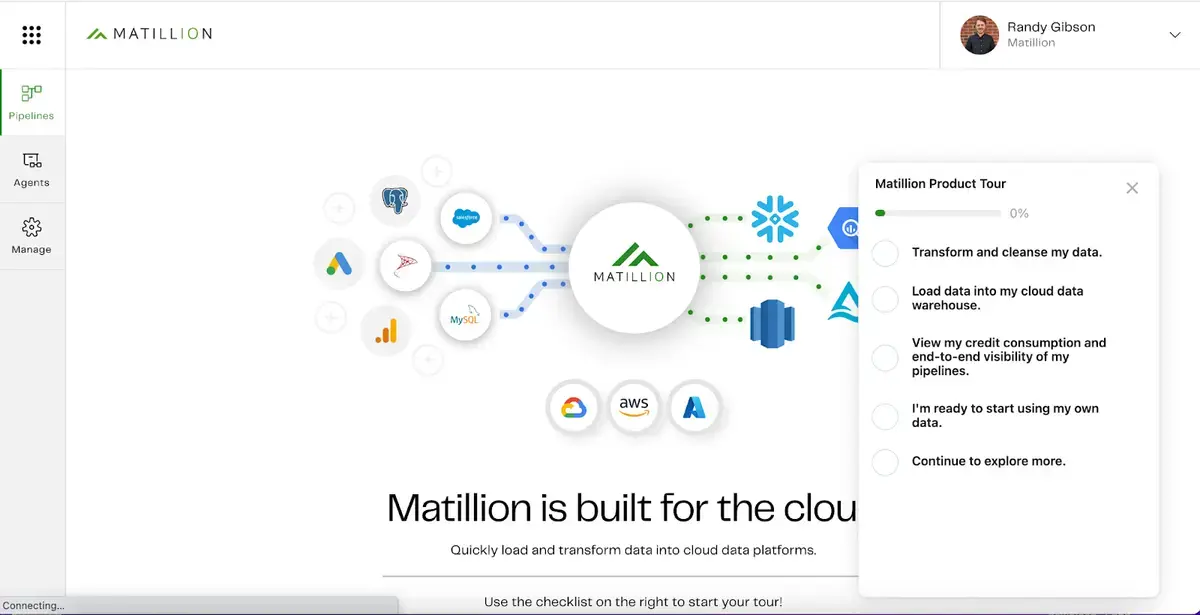
- Showcase related areas of your product by using a checklist that connects multiple flows. The benefits of this strategy are two-fold: Users stay motivated by their progress as they check off items on the list and users know exactly where they paused their progress should their learning be disrupted.
- Remember to include the why behind your ‘how to’ steps. If users understand the process, they are more likely to fully adopt your recommendations.
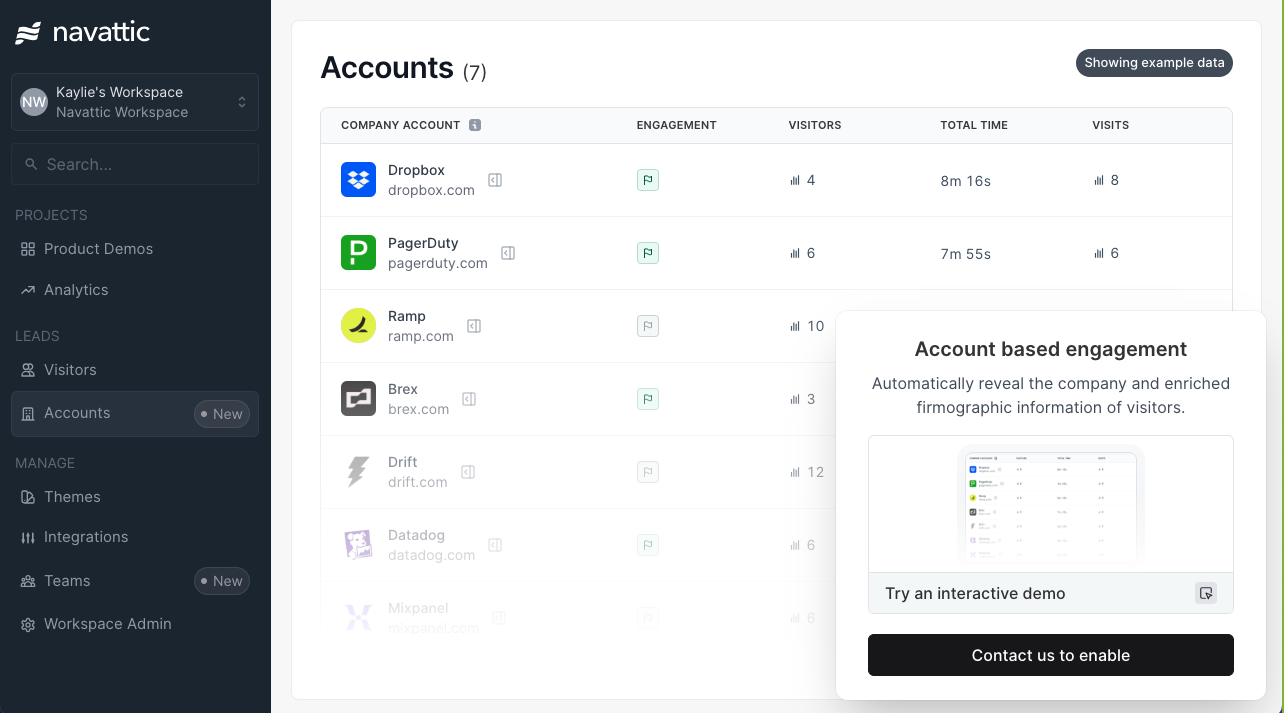
- Include CTA buttons that direct users to additional resources like docs or give users the opportunity to book time with a Customer Success Manager if they need further assistance.
Blog: Read 6 Feature Announcement Examples from SaaS Companiesto see how other customers promote feature demos.
Customer Examples
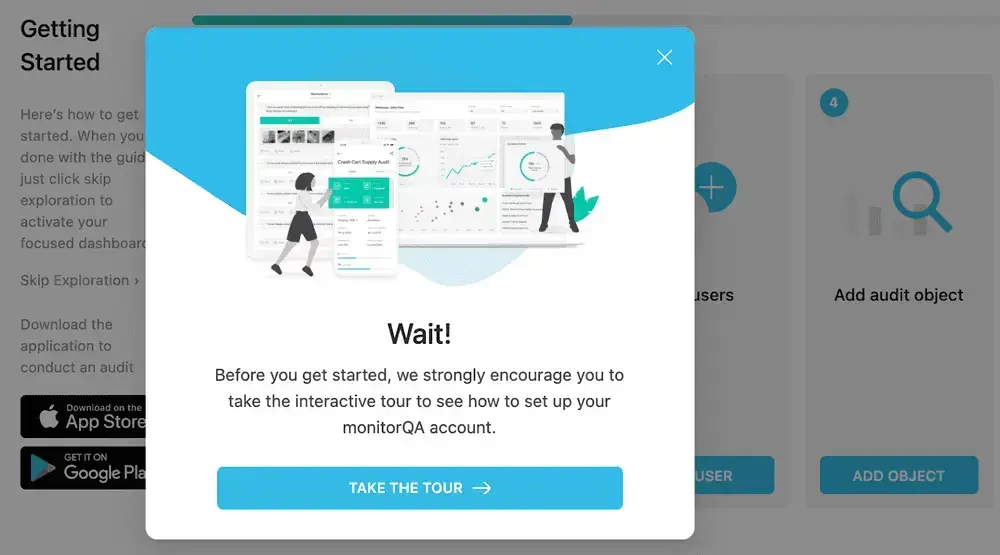
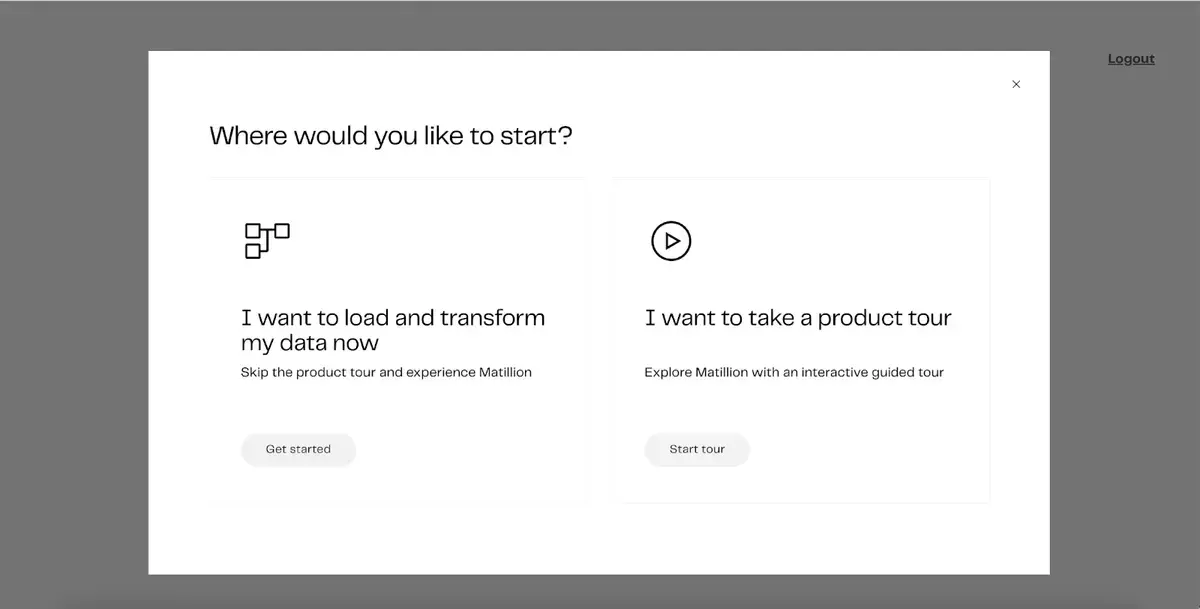
Below are some customer deployments we love. Keep an eye out for the recommendations highlighted above. 1. Datadog To support the learning styles of all their users, Datadog offers multiple ways to get started with their product. Once users log in, they can dive straight in, watch a tutorial, or access a guided tour. Users click “See a Guided Tour,” which takes them to a full-screen landing page with an interactive demo.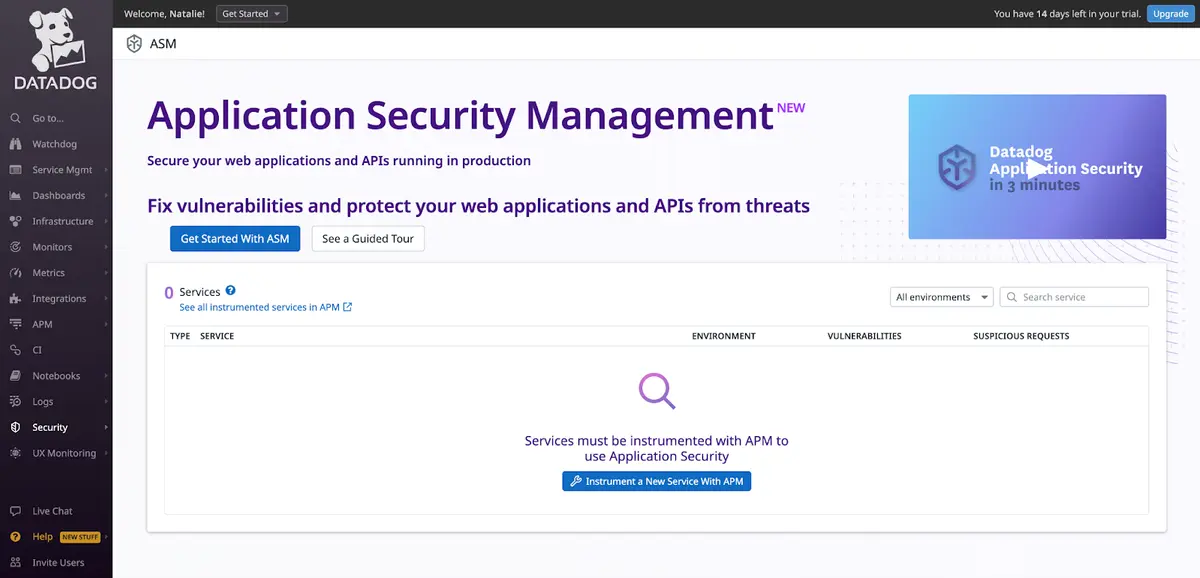 2. MonitorQA
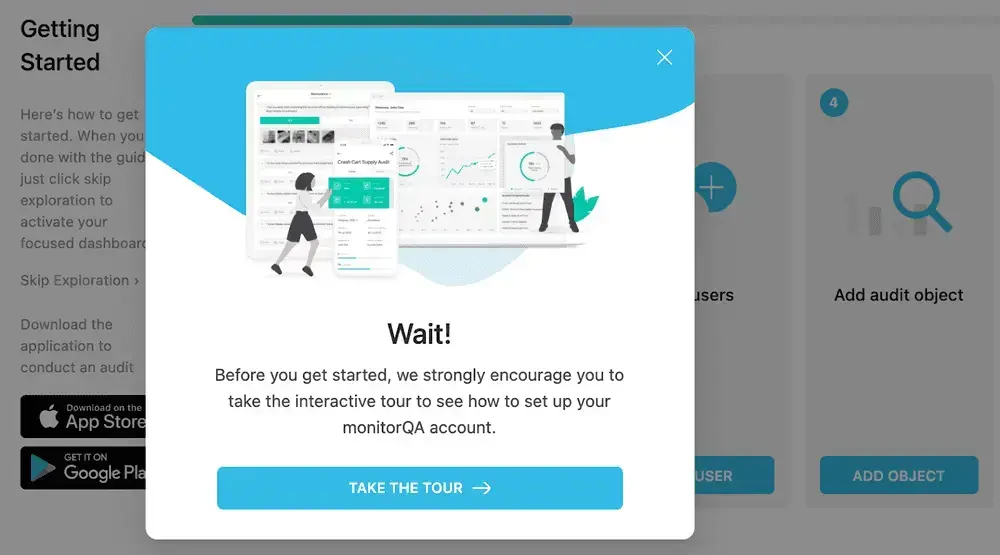
The Monitor QA team supports new users exploring their product for the first time. They trigger an exit intent pop up when a user is inactive for a period of time. Their demo clarifies the set up process and showcases key product features. This keeps slow-to-start users from dropping off before they’ve seen value.
2. MonitorQA
The Monitor QA team supports new users exploring their product for the first time. They trigger an exit intent pop up when a user is inactive for a period of time. Their demo clarifies the set up process and showcases key product features. This keeps slow-to-start users from dropping off before they’ve seen value.
Implementation Guide
Follow the guidance below to start optimizing your activation rates with customizable demos. Demos built with these best practices deliver value early to users. Keep an eye on your demo analytics to track completion rates and consider revising any steps with significant drop off rates.1. Content
Bundle essential workflows with a checklist: Include a checklist with flows that are chronological or focus on a shared product area. Add goal-oriented descriptions to each item on your checklist to help users find the content that is most relevant to them. Make it interactive: Use tooltips, triggers, and beacons to let viewers experience the feature or picture using it day-to-day. Focus on a goal: Activate users early on by presenting a value-driven 5-10 step flow that help users achieve enablement milestones.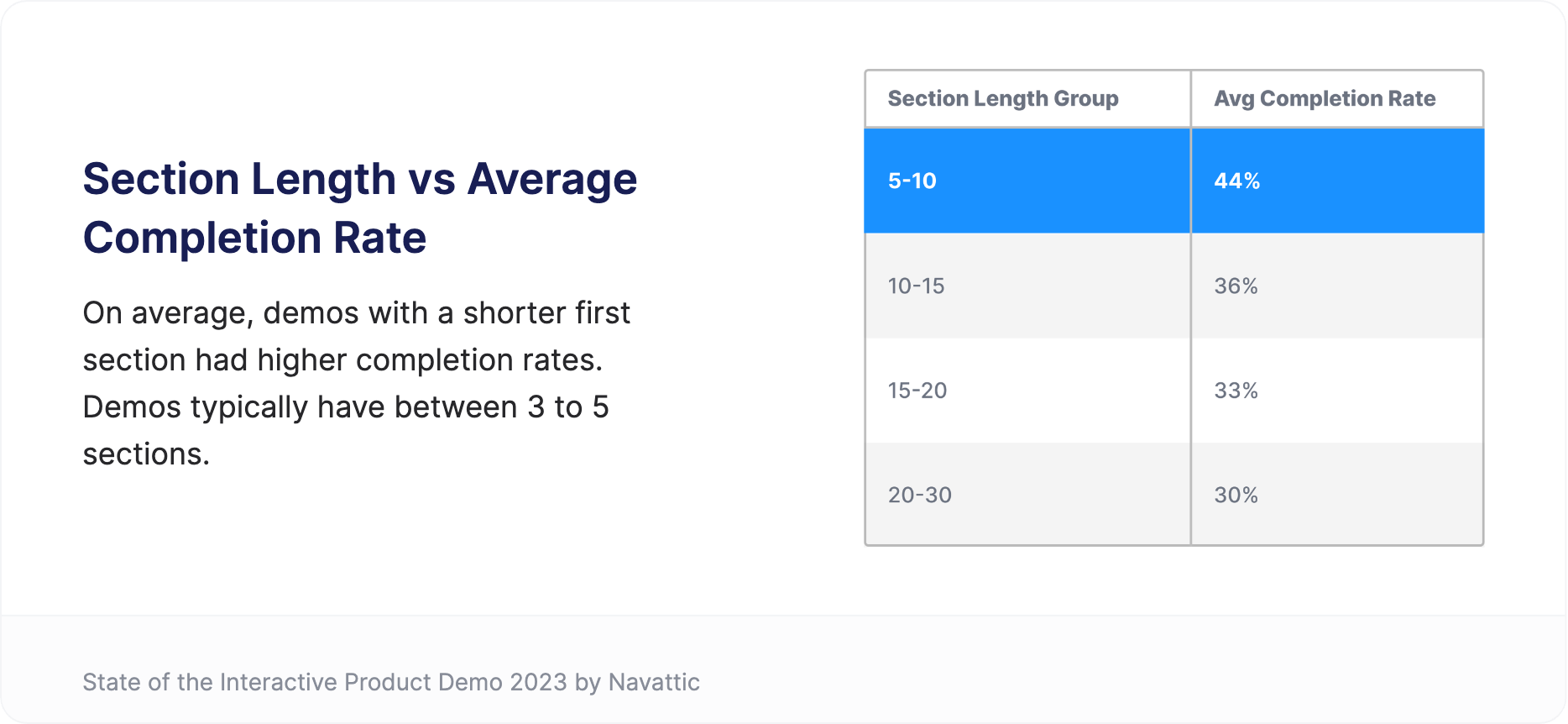
2. CTAs
Keep your audience in mind and be strategic. Create CTAs that are specific to each part of the user or trial customer journey. For instance, consider linking to a:- Call booking page for your sales or support team
- Knowledge base
- Webinar registration page
- Product feedback form
- Pricing page for additional features
3. Deployment
Add product tours to email onboarding sequences (easy): Optimize your existing email sequences by including a Product Demo. Consider making multiple demos that highlight your most essential features to help new users experience aha moments early on. Present demos in an in-app chat available only to your product’s users (medium): Add a short demo to your FAQ snippets. It resolves common mishaps while customers wait to chat with a representative.