

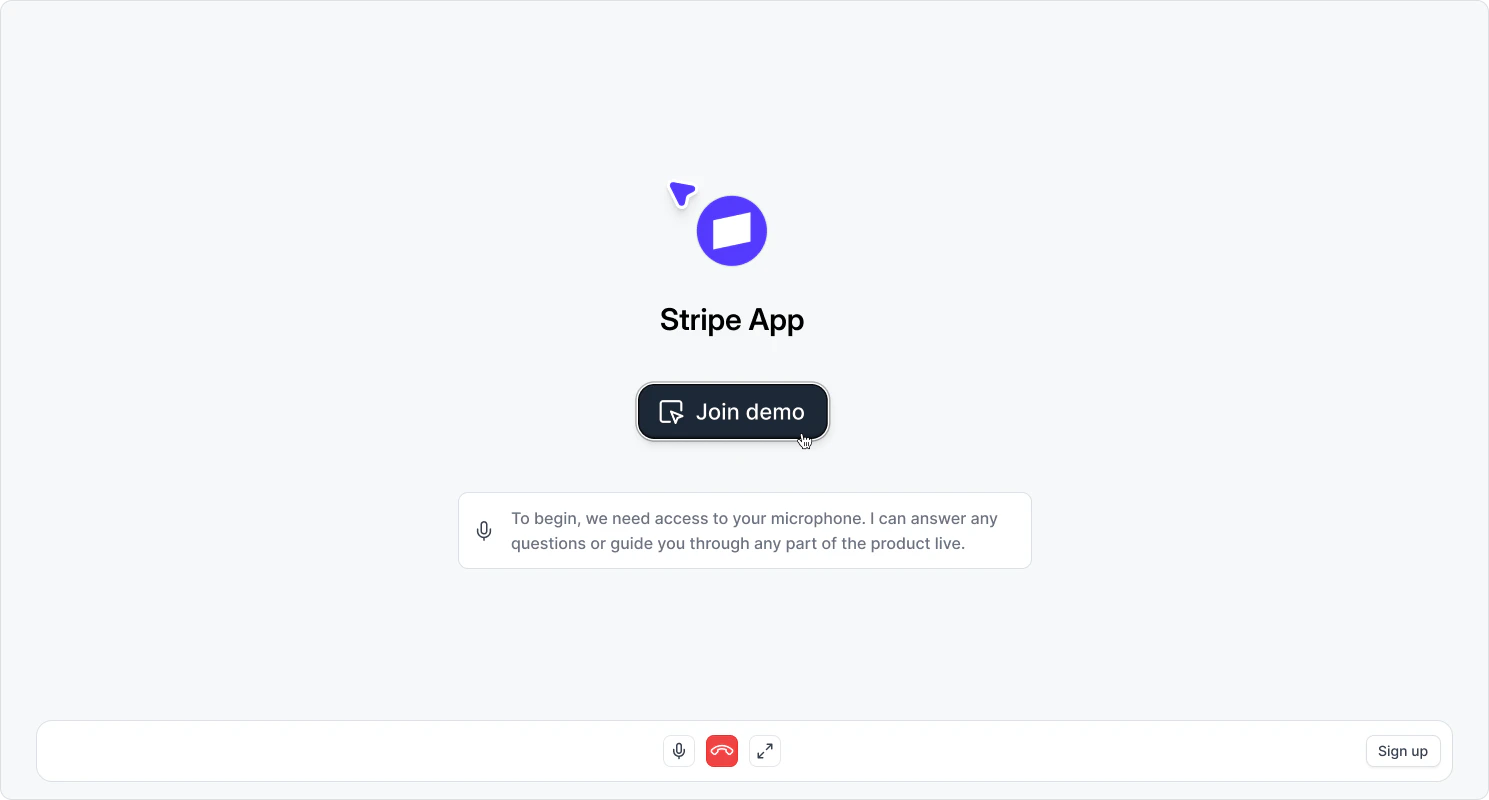
- They’ll be prompted to allow microphone access (if mic input is enabled for the demo)
- The agent will greet them with your configured presentation message
- A recording of your application will open, showing your pre-captured screens
- The agent will guide the visitor through relevant captures based on the conversation
If Allow mic input is enabled, visitors will be prompted to grant microphone permission before joining. If it’s disabled, visitors skip the microphone step and interact through text chat only.