> ## Documentation Index
> Fetch the complete documentation index at: https://docs.navattic.com/llms.txt
> Use this file to discover all available pages before exploring further.

# Emailing prospects

> Tips and best practices for crafting engaging emails with demos.

export const Outreach = () => {
  return <svg width="14" height="14" viewBox="0 0 14 14" fill="none" xmlns="http://www.w3.org/2000/svg">
      <path fill-rule="evenodd" clip-rule="evenodd" d="M6.22607 0.5C8.37016 0.5 11.6099 1.1506 13.118 2.64255C13.5001 3.02084 14 3.76175 14 4.84685C14 6.77606 12.4288 9.73604 10.6938 11.4528C9.7969 12.3403 8.37016 13.5 6.45098 13.5C4.57486 13.5 3.14203 12.2393 2.72724 11.8288C1.13822 10.2567 0 7.8704 0 5.64537C0 4.2414 0.404503 3.01347 1.43657 1.99288C2.39241 1.04739 4.03942 0.5 6.22607 0.5ZM8.95788 8.27254C9.68177 7.55608 9.87679 6.67372 9.87679 6.18807C9.87679 5.83603 9.78325 5.31951 9.33806 4.87949C8.65531 4.20401 7.89914 4.01325 7.07657 4.01325C6.03472 4.01325 5.33465 4.33902 4.86843 4.8007C4.50274 5.16242 4.18662 5.71852 4.18662 6.50876C4.18662 7.29851 4.61216 8.06154 5.07606 8.51999C5.50441 8.9439 6.17782 9.25768 6.85585 9.25768C7.53393 9.25768 8.23399 8.98905 8.95788 8.27254Z" fill="#5951FF" />
    </svg>;
};

## Adding demos to email templates

We recommend saving your crafted messages as email templates in your preferred email outbounding tool. With templates, it’s easy to send consistent, high-quality messages faster—saving your time. Here's how to create templates in common email outbounding tools:

<AccordionGroup>
  <Accordion title="Outreach Email Templates" icon={<Outreach/>}>
    <Steps>
      <Step title="Open the Outreach Email Template Editor">
        Navigate to the <a href="https://support.outreach.io/hc/en-us/articles/205744727-How-To-Configure-an-Outreach-Template" target="_blank" rel="noreferrer noopener">Templates page</a>.
      </Step>

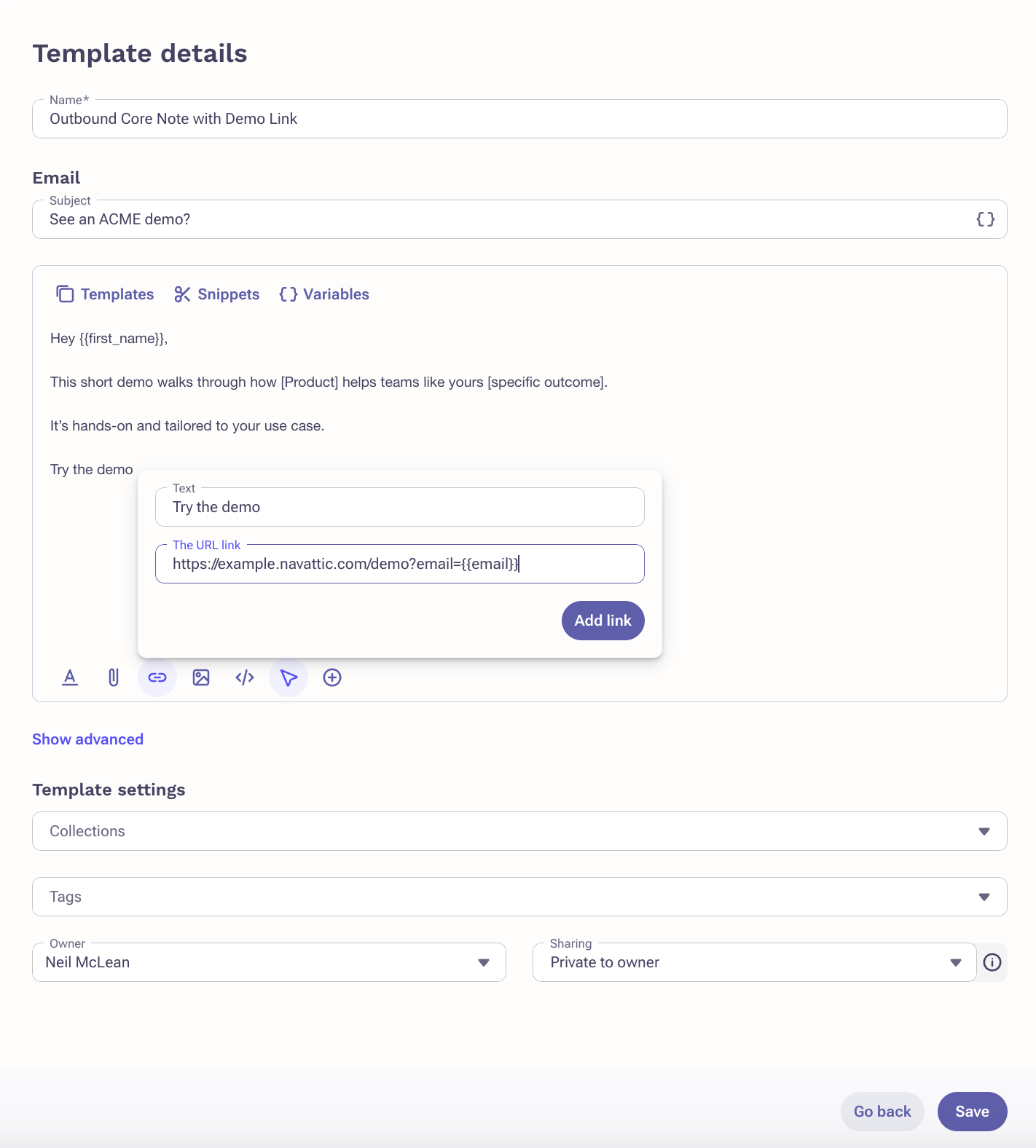
      <Step title="Create and save your template">
        Add `Try the demo` to the place where you will paste your demo.

        <Frame>
          <img className="rounded-xl border overflow-hidden" src="https://mintcdn.com/navattic-app/bR17QzPUtrfb78_J/images/outreach_template.png?fit=max&auto=format&n=bR17QzPUtrfb78_J&q=85&s=3c1a20fc7ce248d5c2403b7592c95365" alt="Salesloft templates" width="1422" height="1576" data-path="images/outreach_template.png" />
        </Frame>
      </Step>

      <Step title="Using the template">
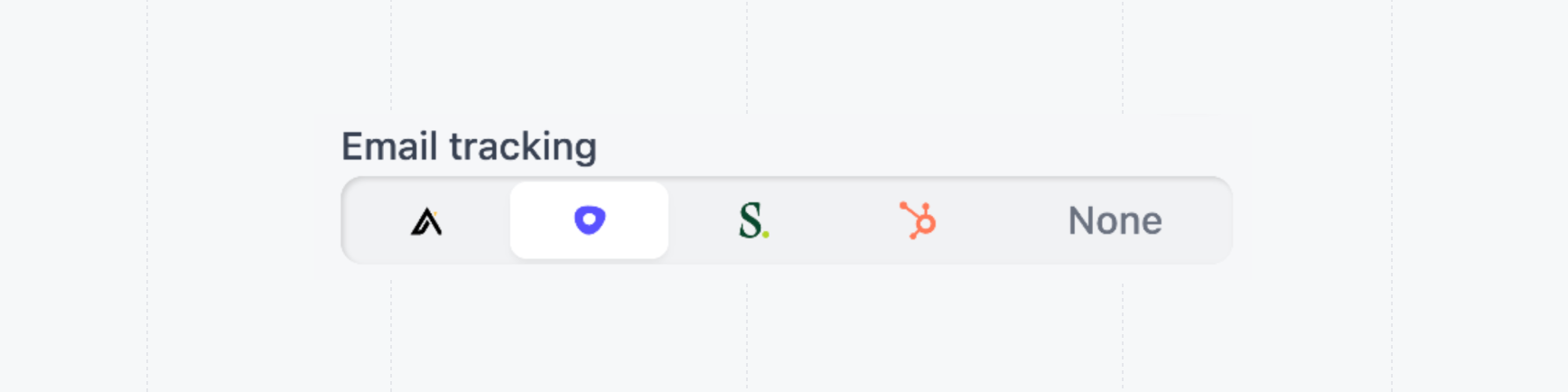
        When using the template, hyperlink `Try the demo` with a share link with **Outreach** selected for Email tracking.

        <img className="rounded-xl border overflow-hidden" src="https://mintcdn.com/navattic-app/bR17QzPUtrfb78_J/images/outreach-email-tracking.png?fit=max&auto=format&n=bR17QzPUtrfb78_J&q=85&s=95b3d82aaff173e2241023e0ea5cba02" alt="Outreach email tracking" width="1736" height="434" data-path="images/outreach-email-tracking.png" />
      </Step>
    </Steps>
  </Accordion>

  <Accordion
    title="Apollo Sequences"
    icon={<svg width="15" height="15" viewBox="0 0 36 37" fill="none" xmlns="http://www.w3.org/2000/svg">
<path d="M19.5993 0.0862365L19.605 13.2568C19.6058 15.3375 17.4222 16.6715 15.6079 15.6986L2.58376 8.7153C3.57706 7.05795 4.82616 5.57609 6.27427 4.32386L16.489 13.8945C17.0303 14.4015 17.8835 13.8518 17.6605 13.1398L13.6992 0.493553C15.0326 0.17147 16.4233 0 17.8536 0C18.4428 0 19.0248 0.0296814 19.5993 0.0862365Z" fill="black"/>
<path d="M16.0635 36.1087L16.0578 23.0046C16.057 20.9239 18.2407 19.5898 20.0549 20.5627L33.0838 27.5486C32.0838 29.2016 30.8289 30.6786 29.3751 31.925L19.1738 22.3668C18.6326 21.8598 17.7793 22.4095 18.0023 23.1215L21.9486 35.72C20.6338 36.0329 19.263 36.1989 17.8539 36.1989C17.2497 36.1989 16.6523 36.1683 16.0635 36.1087Z" fill="black"/>
<path d="M22.0105 16.77L31.4705 6.39392C30.2362 4.92008 28.7742 3.6486 27.1384 2.63702L20.2306 15.8767C19.2709 17.716 20.5871 19.9298 22.6396 19.9288L35.6183 19.923C35.6775 19.3234 35.7082 18.7151 35.7082 18.0996C35.7082 16.6683 35.5436 15.2761 35.2338 13.9406L22.7549 17.9576C22.0526 18.1837 21.5103 17.3187 22.0105 16.77Z" fill="black"/>
<path d="M0.0842758 16.3383L13.0237 16.3325C15.0764 16.3317 16.3923 18.5454 15.4327 20.3846L8.56047 33.5561C6.93095 32.547 5.47394 31.2801 4.24344 29.8121L13.653 19.4914C14.1531 18.9427 13.6107 18.0777 12.9084 18.3037L0.485078 22.3029C0.168551 20.954 0 19.5467 0 18.0994C0 17.5051 0.0290814 16.9177 0.0842758 16.3383Z" fill="black"/>
</svg>}
  >
    <Steps>
      <Step title="Open the Sequence Email Template Editor">
        Select `Engage`, then `Sequences`.
      </Step>

      <Step title="Create and save your template">
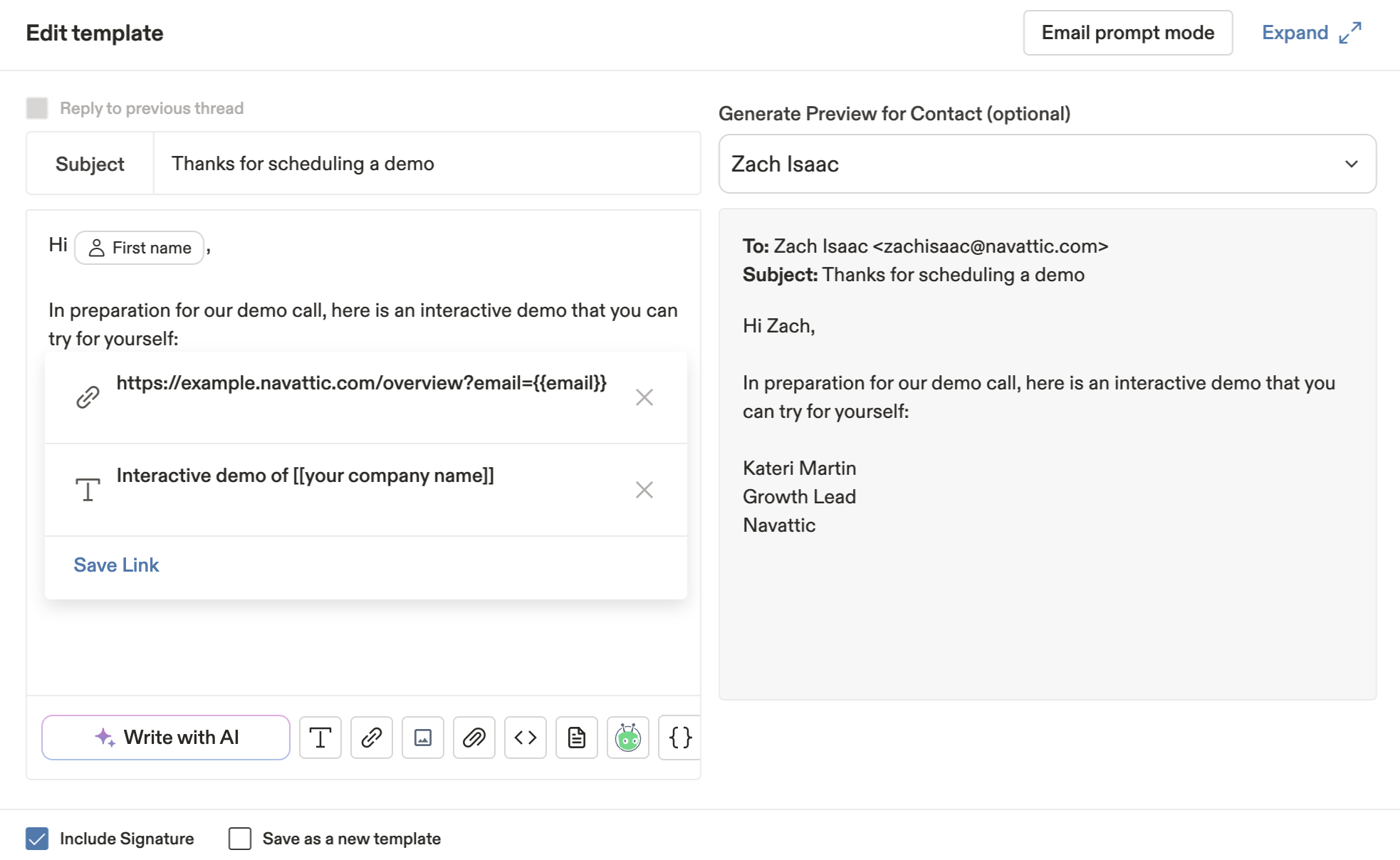
        Add `Try the demo` to the place where you will paste your demo.

        <Frame>
          <img className="rounded-xl border overflow-hidden" src="https://mintcdn.com/navattic-app/V8lxP8WymXcsG6Oa/images/apollo-template.png?fit=max&auto=format&n=V8lxP8WymXcsG6Oa&q=85&s=5ed2c3ea325499423b682bba7356f5c6" alt="Apollo templates" width="1966" height="1208" data-path="images/apollo-template.png" />
        </Frame>
      </Step>

      <Step title="Using the template">
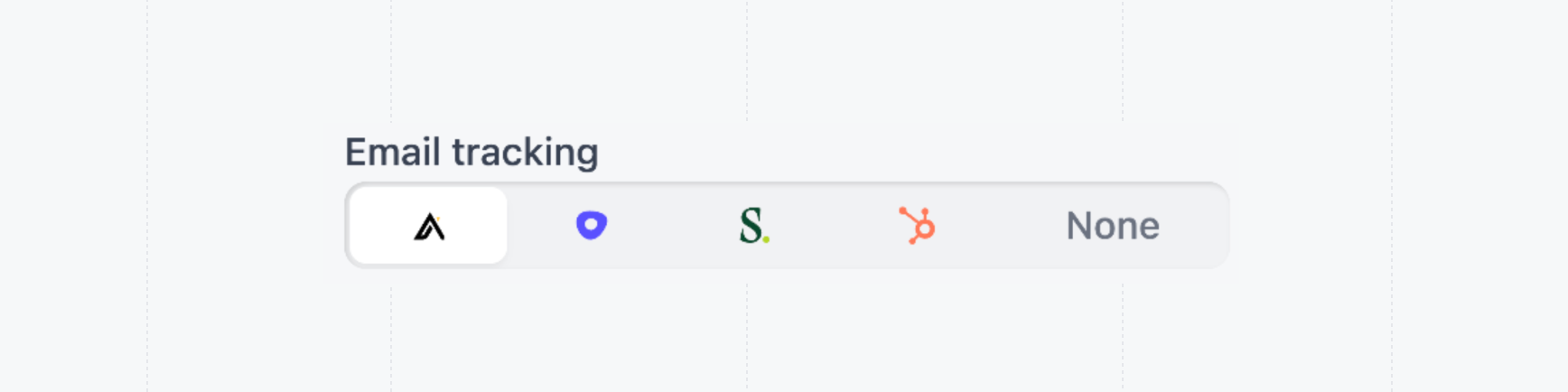
        When using the template, hyperlink `Try the demo` with a share link with **Apollo** selected for Email tracking.

        <img className="rounded-xl border overflow-hidden" src="https://mintcdn.com/navattic-app/V8lxP8WymXcsG6Oa/images/apollo-email-tracking.png?fit=max&auto=format&n=V8lxP8WymXcsG6Oa&q=85&s=7532a92238d87717a93e865eabcf0b98" alt="Apollo email tracking" width="1736" height="434" data-path="images/apollo-email-tracking.png" />
      </Step>
    </Steps>
  </Accordion>

  <Accordion
    title="Salesloft Cadences"
    icon={<svg width="12" height="14" viewBox="0 0 12 14" fill="none" xmlns="http://www.w3.org/2000/svg">
<path d="M2.38942 2.74714C2.38942 1.80335 3.32278 1.04105 4.51749 1.04105C6.04823 1.04105 6.98159 1.73074 7.50426 5.3244H7.84029L8.32563 0.42396C4.8535 -0.737628 0.597352 0.496561 0.522686 4.01762C0.522686 7.82908 6.75755 7.82908 6.75755 11.3138C6.75755 12.3302 5.82419 13.0199 4.77883 13.0199C2.01607 13.0199 1.38138 10.7694 1.23204 8.40986H0.89603L0 12.8384C0 12.8384 2.0534 14 4.25615 14C6.90692 13.9637 8.66165 12.0761 8.73631 10.0796C8.73631 6.26818 2.38942 5.46963 2.38942 2.74714Z" fill="#06492E"/>
<path d="M9.19948 12.5549C9.19948 11.8289 9.79697 11.2118 10.5809 11.2118C11.4025 11.2118 12 11.8289 12 12.5549C12 13.2809 11.4025 13.898 10.6186 13.898C9.75969 13.9343 9.19948 13.2809 9.19948 12.5549Z" fill="#B4D625"/>
</svg>}
  >
    <Steps>
      <Step title="Open the Sequence Email Template Editor">
        Navigate to the Templates page.
      </Step>

      <Step title="Create and save your template">
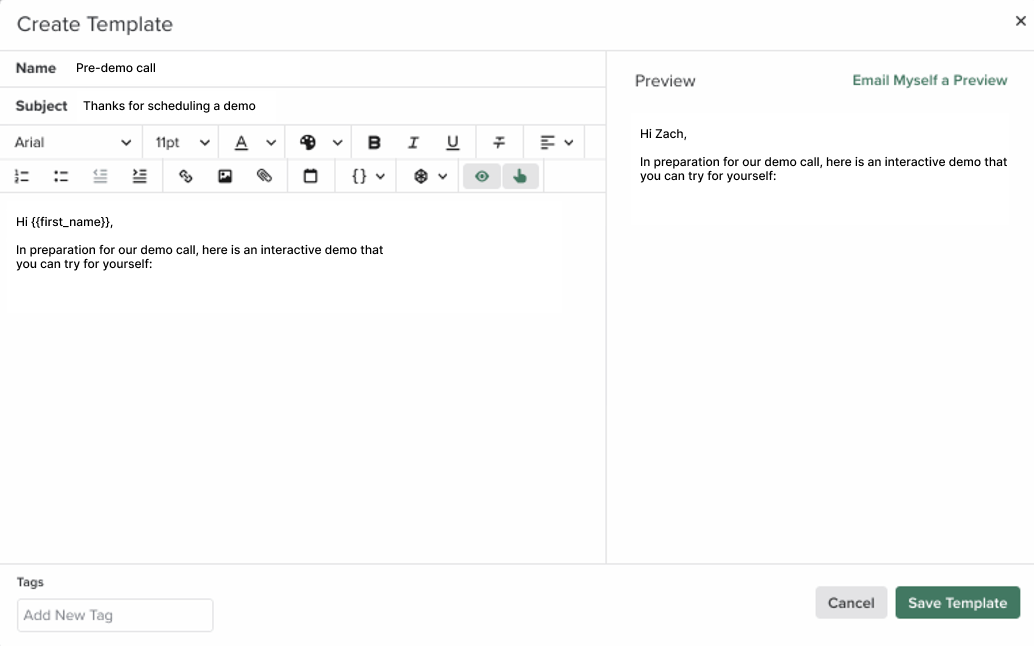
        Add `Try the demo` to the place where you will paste your demo.

        <Frame>
          <img className="rounded-xl border overflow-hidden" src="https://mintcdn.com/navattic-app/Wym34-C-snZlIePn/images/salesloft-template.png?fit=max&auto=format&n=Wym34-C-snZlIePn&q=85&s=42d0ca4e0b9252989db0d590a89b8de5" alt="Salesloft templates" width="1034" height="646" data-path="images/salesloft-template.png" />
        </Frame>
      </Step>

      <Step title="Using the template">
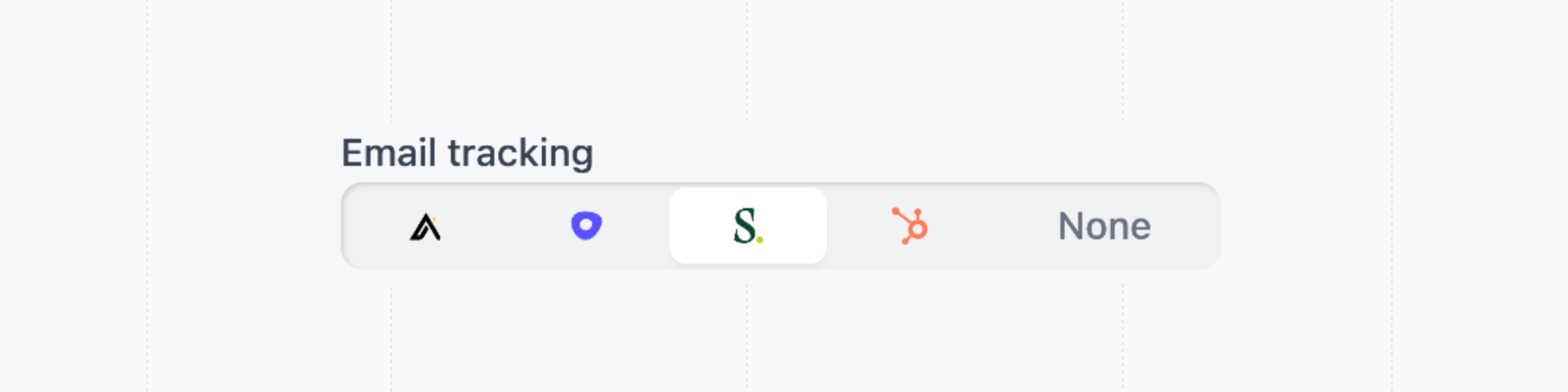
        When using the template, hyperlink `Try the demo` with a share link with **Salesloft** selected for Email tracking.

        <img className="rounded-xl border overflow-hidden" src="https://mintcdn.com/navattic-app/Wym34-C-snZlIePn/images/salesloft-email-tracking.png?fit=max&auto=format&n=Wym34-C-snZlIePn&q=85&s=8e0d82ff9e27a96b076653638ac71c41" alt="Salesloft email tracking" width="1736" height="434" data-path="images/salesloft-email-tracking.png" />
      </Step>
    </Steps>
  </Accordion>

  <Accordion title="Hubspot Email Templates & Sequences" icon={<svg width="17" height="20" viewBox="0 0 27 33" fill="none" xmlns="http://www.w3.org/2000/svg"><path fill-rule="evenodd" clip-rule="evenodd" d="M19.6142 20.1771C17.5228 20.1771 15.8274 18.4993 15.8274 16.43C15.8274 14.3603 17.5228 12.6825 19.6142 12.6825C21.7057 12.6825 23.401 14.3603 23.401 16.43C23.401 18.4993 21.7057 20.1771 19.6142 20.1771ZM20.7479 9.21551V5.88191C21.6272 5.47091 22.2431 4.59068 22.2431 3.56913V3.49218C22.2431 2.08229 21.0774 0.928781 19.6527 0.928781H19.5754C18.1507 0.928781 16.9851 2.08229 16.9851 3.49218V3.56913C16.9851 4.59068 17.6009 5.47127 18.4802 5.88227V9.21551C17.1711 9.4158 15.9749 9.95012 14.9885 10.7365L5.73944 3.61659C5.80048 3.38467 5.84336 3.14591 5.84372 2.89493C5.84518 1.29842 4.5393 0.00215931 2.92531 1.87311e-06C1.31205 -0.001796 0.00181863 1.29087 1.8933e-06 2.88774C-0.00181484 4.4846 1.30406 5.78087 2.91805 5.78266C3.44381 5.78338 3.9307 5.6356 4.35727 5.3954L13.4551 12.3995C12.6816 13.5552 12.2281 14.9396 12.2281 16.43C12.2281 17.9902 12.7263 19.4335 13.5678 20.6205L10.8012 23.3586C10.5825 23.2935 10.3558 23.2482 10.1152 23.2482C8.78938 23.2482 7.71424 24.3119 7.71424 25.6239C7.71424 26.9364 8.78938 28 10.1152 28C11.4415 28 12.5162 26.9364 12.5162 25.6239C12.5162 25.3866 12.4705 25.1619 12.4047 24.9454L15.1414 22.2371C16.3837 23.1752 17.9308 23.7391 19.6142 23.7391C23.6935 23.7391 27 20.4666 27 16.43C27 12.7757 24.2872 9.75667 20.7479 9.21551Z" fill="#FF7A59"/></svg>}>
    <Steps>
      <Step title="Open the Hubspot Email Template Editor">
        Select `CRM`, then `Templates`.
      </Step>

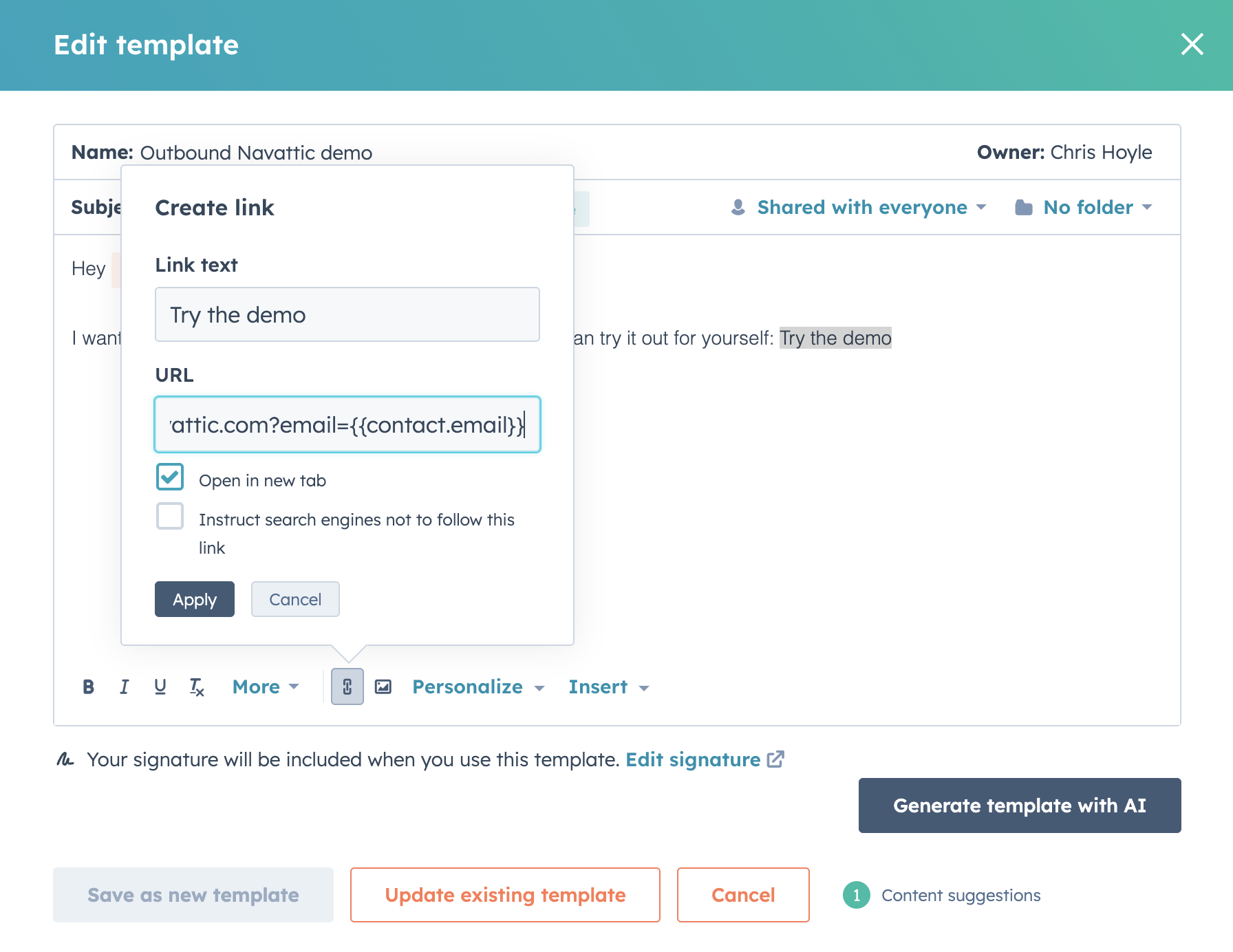
      <Step title="Create and save your template">
        Add `Try the demo` to the place where you will paste your demo.

        <Frame>
          <img className="rounded-xl border overflow-hidden" src="https://mintcdn.com/navattic-app/eEo16-sBVsd0fYuf/images/hubspot-template.png?fit=max&auto=format&n=eEo16-sBVsd0fYuf&q=85&s=30859dd4bd8e48d6b857d7a96145feb7" alt="Hubspot templates" width="1792" height="1384" data-path="images/hubspot-template.png" />
        </Frame>
      </Step>

      <Step title="Using the template">
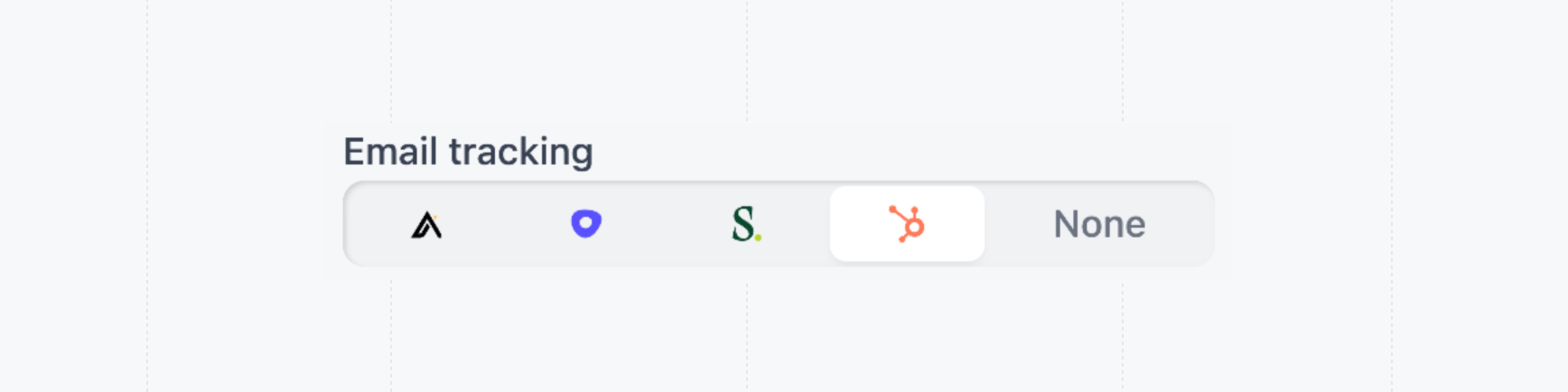
        When using the template, hyperlink `Try the demo` with a share link with **Hubspot** selected for Email tracking.

        <img className="rounded-xl border overflow-hidden" src="https://mintcdn.com/navattic-app/eEo16-sBVsd0fYuf/images/hubspot-email-tracking.png?fit=max&auto=format&n=eEo16-sBVsd0fYuf&q=85&s=fdff550ca67aeeed20c9cbd213dd9ee4" alt="Hubspot email tracking" width="1736" height="434" data-path="images/hubspot-email-tracking.png" />
      </Step>
    </Steps>
  </Accordion>
</AccordionGroup>

## Tips for writing engaging emails

One common mistake is including too much information in the outreach. Keep your email short and to the point—longer messages are more likely to be ignored.

To maximize engagement, we recommend the following best practices when composing the email:

* **Clear primary CTA**. Make the demo link the primary call to action of the email.
* **Include <a href="/launchpad/share/share-demos#copy-with-preview">a preview</a>** of the demo as it drives higher engagement.
* **Add key words to the subject** such as `Personalized Demo`, `Interactive Demo` or `Customized Demo`.
* **Set time expectations**. ex “Here’s the interactive demo I mentioned—it should only take about 10 minutes to explore”

### Explore use cases for sharing demos

Take a look at the following guides for a more in-depth explanation for how to craft prospect messaging and include demos between meetings throughout the sales process.

<CardGroup cols={2}>
  <Card title="Pre-call discovery" icon="package-check" href="/launchpad/use-cases/pre-call-discovery">
    Learn about what the prospect is interested in before the first call.
  </Card>

  <Card title="Post-call followup" icon="user-round-check" href="/launchpad/use-cases/post-call">
    Send relevant followup demos to prospects after the call.
  </Card>

  <Card title="Outbound" icon="mail-check" href="/launchpad/use-cases/outbound">
    Send demos in outbound email campaigns to book more meetings.
  </Card>
</CardGroup>