> ## Documentation Index
> Fetch the complete documentation index at: https://docs.navattic.com/llms.txt
> Use this file to discover all available pages before exploring further.

# Collaboration

> Leave comments on demos for your team to review.

export const MediaCard = ({title = '', url, type = 'demo'}) => {
  const attributes = type === 'demo' ? {
    'data-navattic-open': url,
    'data-navattic-title': title
  } : {
    'data-video': url
  };
  return <div {...attributes} className="hidden w-auto cursor-pointer overflow-hidden rounded-lg border border-gray-200 shadow-sm md:inline-block dark:border-gray-700">
  <div className="flex items-center gap-3 bg-white px-3 py-2 dark:bg-gray-800">
    <div className={`flex h-7 w-7 items-center justify-center rounded-md ${type === 'video' ? 'bg-blue-100 dark:bg-blue-900' : 'bg-orange-100 dark:bg-orange-900'}`} style={{
    backgroundColor: type === 'video' ? 'var(--video-bg)' : 'var(--demo-bg)'
  }}>
      <Icon icon={type === 'video' ? 'circle-play' : 'square-mouse-pointer'} color={type === 'video' ? 'var(--video-icon)' : 'var(--demo-icon)'} />
    </div>
    <div>
      <div className="text-sm font-medium text-gray-900 dark:text-gray-100">
        {type === 'video' ? 'Watch video' : 'Try a demo'}
      </div>
      <div className="text-sm text-gray-500 dark:text-gray-400">{title}</div>
    </div>
  </div>
  <style jsx>{`
    :root {
      --video-bg: #dbeafe;
      --video-icon: #2563eb;
      --demo-bg: #ffedd5;
      --demo-icon: #ea580c;
    }
    :global(.dark) {
      --video-bg: #1e3a8a;
      --video-icon: #60a5fa;
      --demo-bg: #7c2d12;
      --demo-icon: #fb923c;
    }
  `}</style>
</div>;
};

<Info>Enabled in workspaces on the Growth plan and above.</Info>

<Frame>
  <img className="overflow-hidden rounded-xl border" src="https://mintcdn.com/navattic-app/QNOHztjorxprHO7d/images/comments.png?fit=max&auto=format&n=QNOHztjorxprHO7d&q=85&s=78cc0cbfc65ee6b070210ca0a2f0f914" alt="Comments" width="1736" height="768" data-path="images/comments.png" />
</Frame>

<Icon icon="message-circle" /> **Collaboration** is a way for you to stay in sync with your team as
your building demos. Use it to leave comments directly in Navattic and tag other team members to
collaborate seamlessly on the demo creation process.

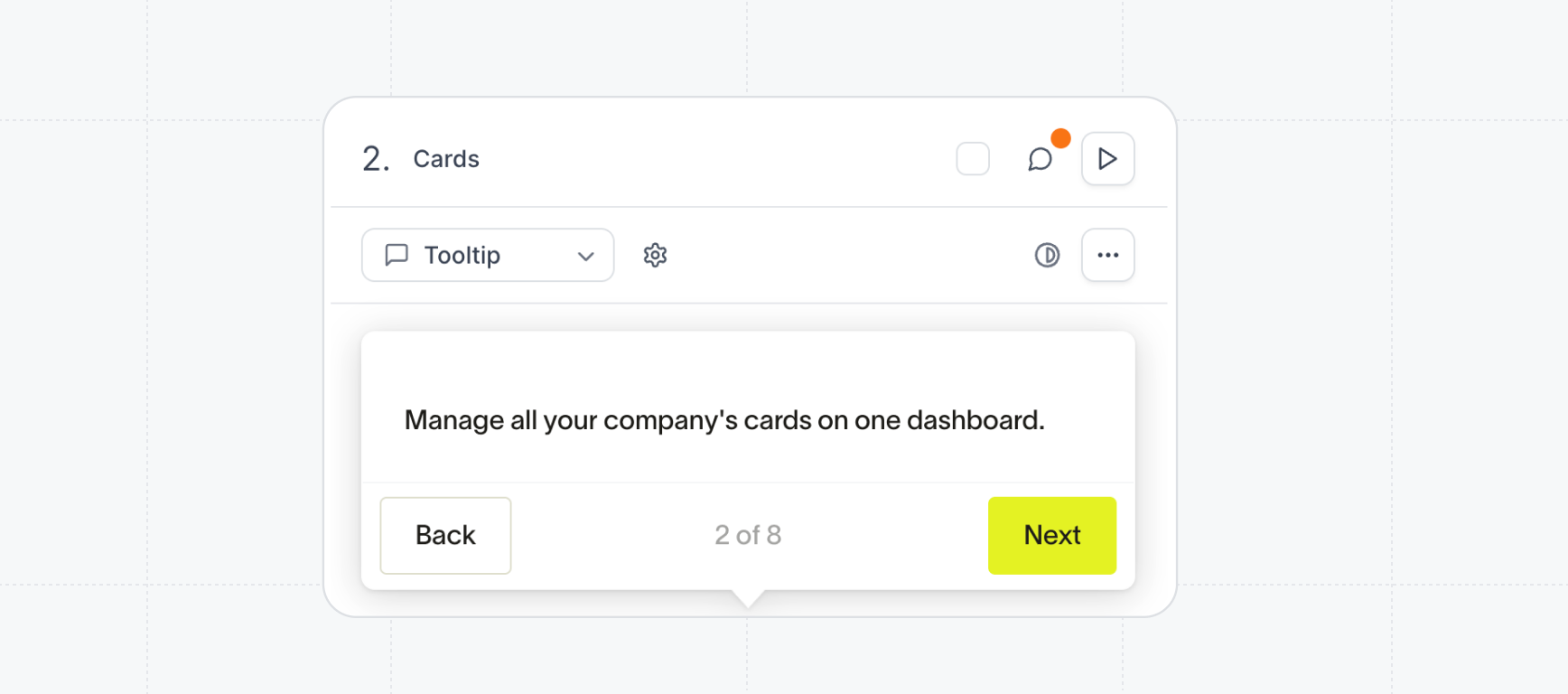
To add a comment, simply click on the conversation bubble above the step. Use the format @name to tag members in your workspace and trigger an email notification.

If there’s an unresolved comment, the conversation bubble will show a small orange dot to alert you.

### How to use comments

<Steps>
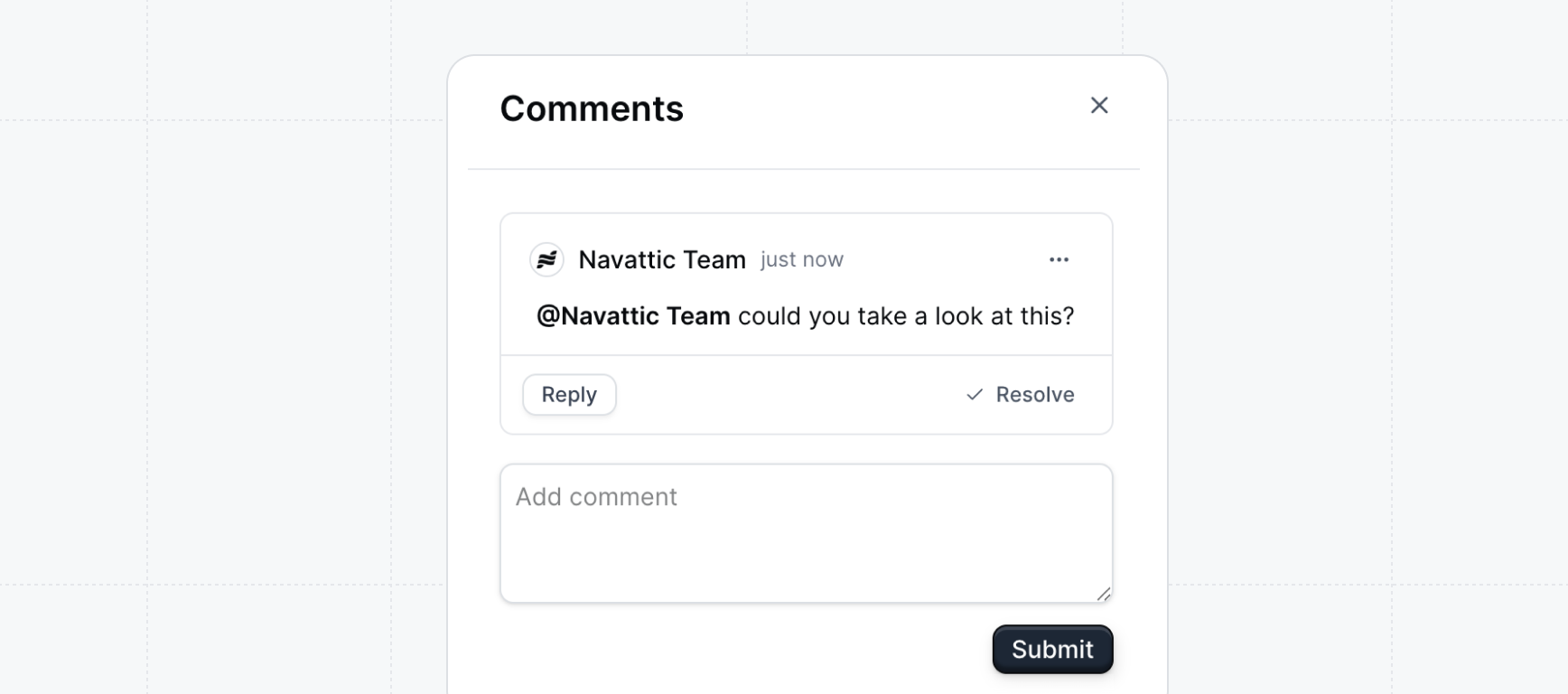
  <Step title="Click the comment icon on a flow step">
    In the flow builder, click on the comment icon above the step. Type your comment in the drawer.

    <Frame>
      <img src="https://mintcdn.com/navattic-app/QNOHztjorxprHO7d/images/comments-step.png?fit=max&auto=format&n=QNOHztjorxprHO7d&q=85&s=1548f667221605afc6efb91c51e69b66" alt="Comment step" width="1736" height="768" data-path="images/comments-step.png" />
    </Frame>
  </Step>

  <Step title="Mention your co-worker with the @ symbol">
    To add a comment, simply click on the conversation bubble above the step. Use the format @name to tag members in your workspace and trigger an email notification.
  </Step>

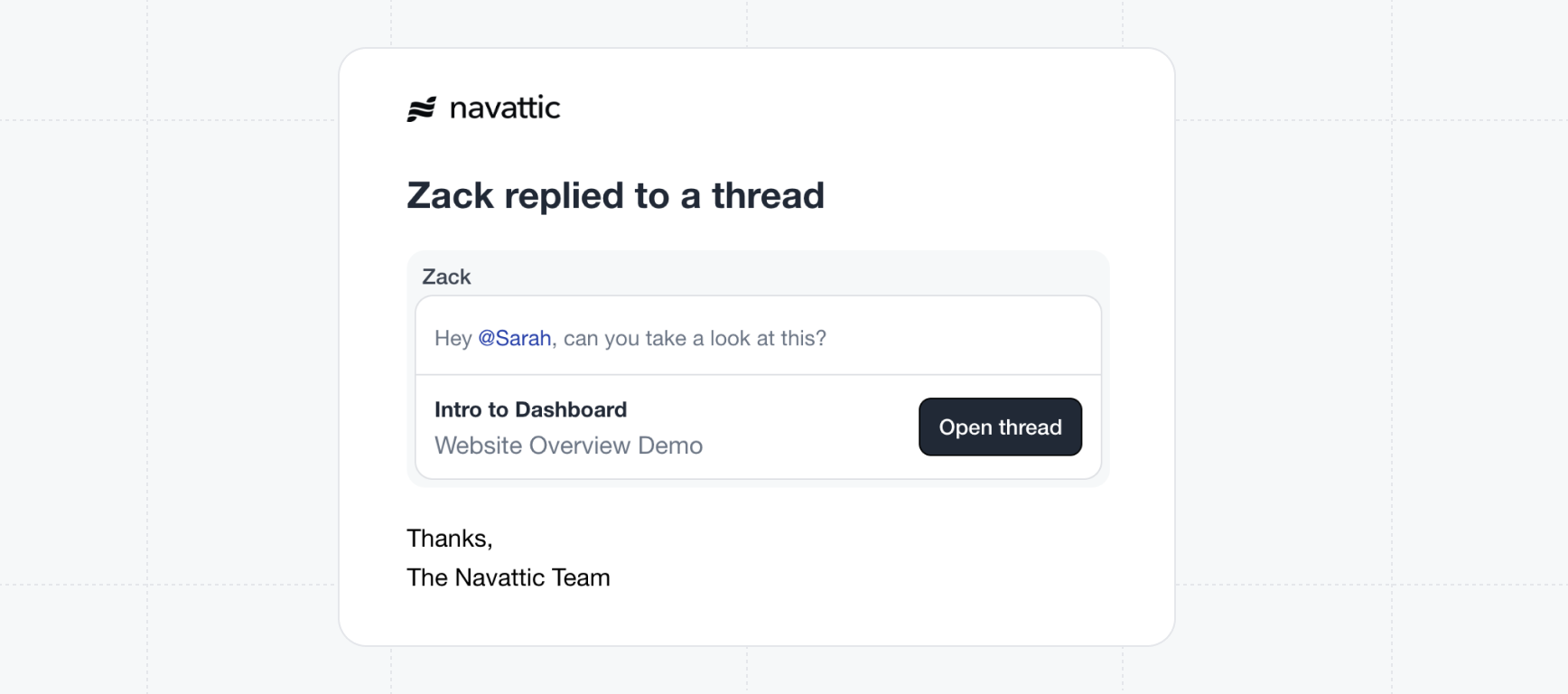
  <Step title="Recieve alerts about mentions">
    If there’s an unresolved comment, the conversation bubble will show a small orange dot to alert you.

    <Frame>
      <img src="https://mintcdn.com/navattic-app/QNOHztjorxprHO7d/images/comments-email.png?fit=max&auto=format&n=QNOHztjorxprHO7d&q=85&s=b0a1024ab3cfbfd05895cb4402b2e03a" alt="Comment email" width="1736" height="768" data-path="images/comments-email.png" />
    </Frame>
  </Step>

  <Step title="Mark a comment as resolved">
    When you are done reviewing a comment and have addressed the appropriate changes, feel free to mark the comment as resolved. This will remove the commment indicator from the step.
  </Step>

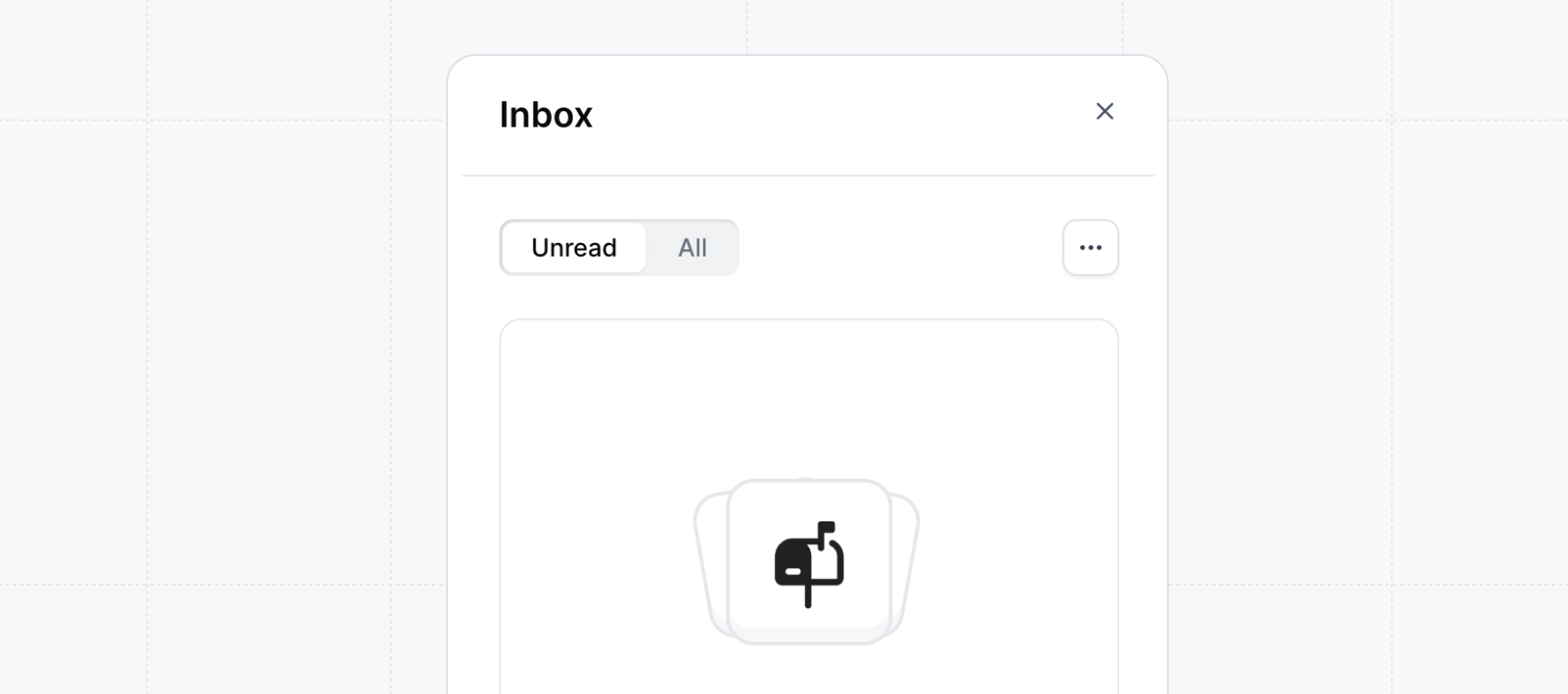
  <Step title="Manage notifications in your inbox">
    In the left sidebar, click the <Icon icon="inbox" /> **Inbox** to review any comments that you have been mentioned in.

    <Frame>
      <img src="https://mintcdn.com/navattic-app/QNOHztjorxprHO7d/images/comments-inbox.png?fit=max&auto=format&n=QNOHztjorxprHO7d&q=85&s=ec483a68e1f88a827495ecf6911de75e" alt="Comment inbox" width="1736" height="768" data-path="images/comments-inbox.png" />
    </Frame>
  </Step>
</Steps>

<Icon icon="party-popper" /> **Congratulations** -- you've learned how to use
<Icon icon="message-circle" /> **Comments** and you can now collaborate with team members in your
workspace.
<MediaCard title="In-app collaboration" url="https://training.navattic.com/su180oer" />