> ## Documentation Index
> Fetch the complete documentation index at: https://docs.navattic.com/llms.txt
> Use this file to discover all available pages before exploring further.
# Sales enablement
> Empower your sales team with interactive demos to accelerate deal cycles.
export const CustomerQuote = ({quote, domain, name}) => {
return
{quote}
 {name}
;
};
"On the presales side, with interactive product tours as a part of our sales rep playbook,{' '}
solutions consultants are spending 30% less time on early stage demos and can
now fully focus on higher value and more strategic deals."
}
domain="sourceday.com"
name="SourceDay"
/>
# Goals
Create a demo using Invisible Steps and Beacons to help sellers reliably demo your most common workflows. These demos are designed to support synchronous settings or **presenter-led conversations** rather than asynchronous settings (ex. marketing use cases).
# Recommendations
* Use [Nav Links](https://www.loom.com/share/453383a381c84c92b6d34e4035eae19a?sid=0d53859a-0d4f-4490-8d9f-d53e67082e10)to quickly add multiple triggers to similar elements across Captures.
* Use Presenter Mode to hide dialog boxes using the keyboard shortcut Ctrl + P.
* Turn on Keyboard Navigation to progress through your interactive demo using your arrow keys.
* Keep Flows short (5-10 steps) and include a [Checklist]() to aid navigation
* Use the [Navattic Capture Editor](/build/captures/web) to help present the best version of your product
* Adjust the Beacon color in [Themes](/build/themes) to make this more or less apparent
* Add Trigger in a reliable space to allow presenters to "go back a step"
 # Customer Examples
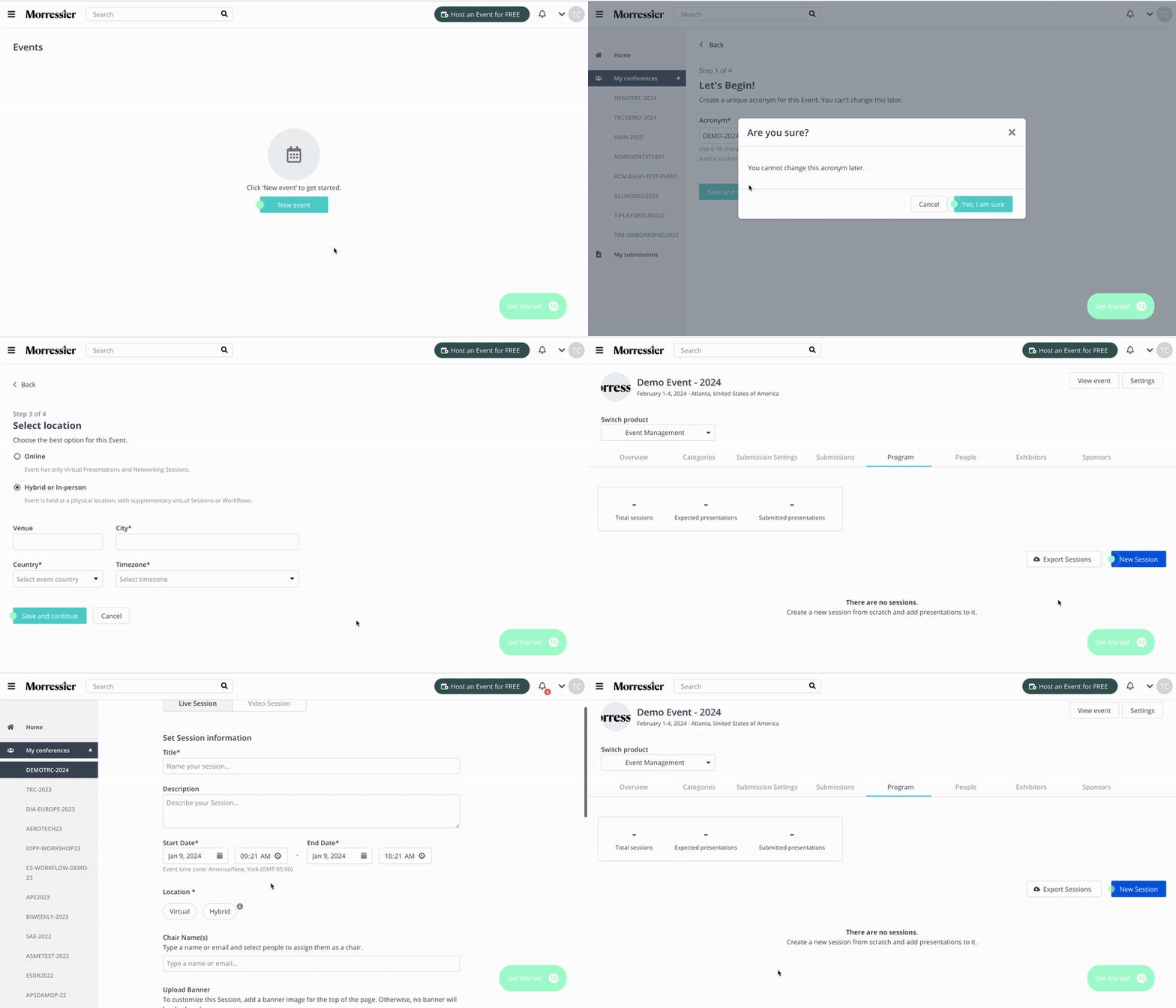
Locate the Beacon on each step to navigate through the demo.
**Tip**: Create a version of your project that includes Modals and Tooltips, to share with your
prospects as a sales leave-behind.
# Customer Examples
Locate the Beacon on each step to navigate through the demo.
**Tip**: Create a version of your project that includes Modals and Tooltips, to share with your
prospects as a sales leave-behind.