> ## Documentation Index
> Fetch the complete documentation index at: https://docs.navattic.com/llms.txt
> Use this file to discover all available pages before exploring further.
# Salesloft
> Create and share demos from within Salesloft.
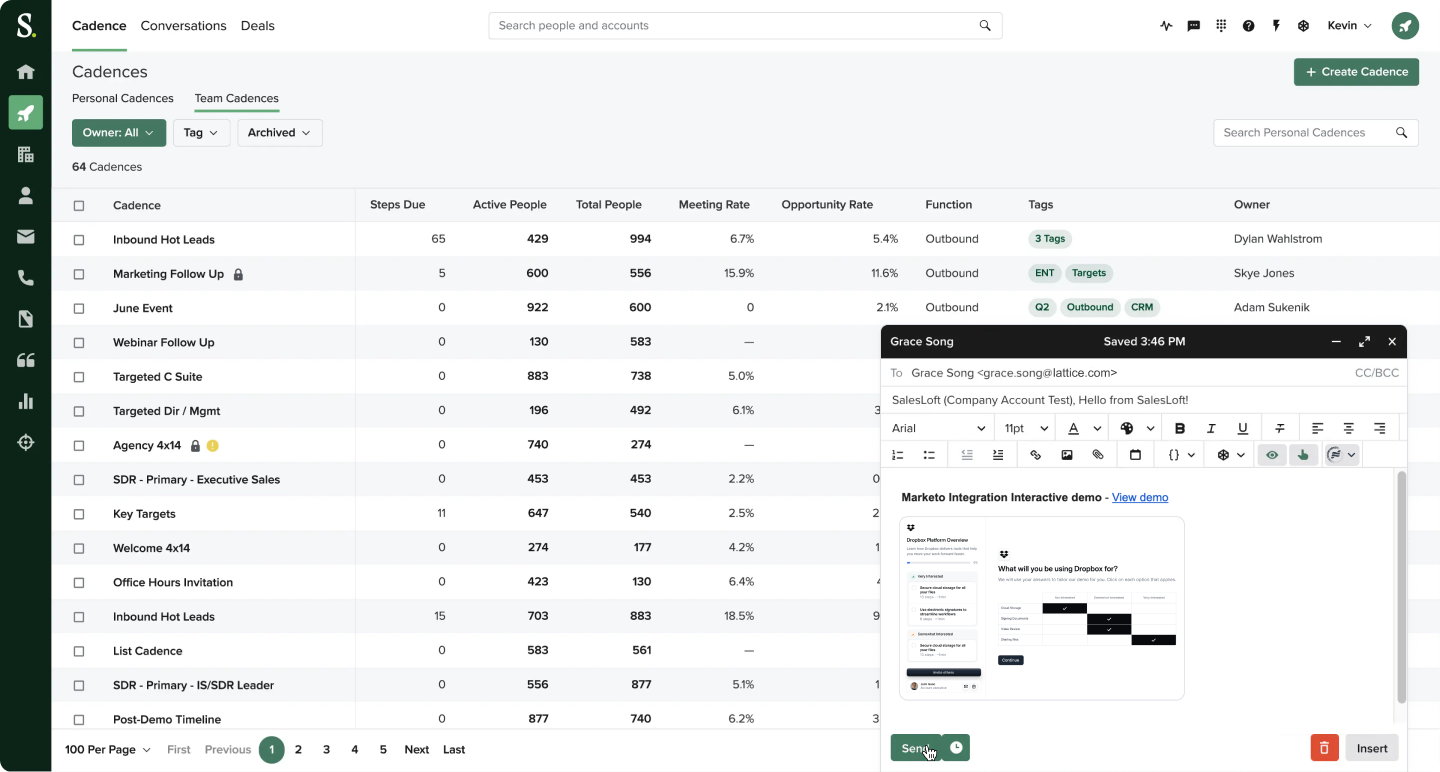 Sales reps can create and share demos from within
  **Salesloft**.
To access the Salesloft integration, please install the Navattic integration from the [Salesloft integration settings page](https://app.salesloft.com/app/settings/integrations).
See [Navattic Salesloft Marketplace listing](https://marketplace.salesloft.com/partners/navattic) for more details.
**Salesloft**.
To access the Salesloft integration, please install the Navattic integration from the [Salesloft integration settings page](https://app.salesloft.com/app/settings/integrations).
See [Navattic Salesloft Marketplace listing](https://marketplace.salesloft.com/partners/navattic) for more details.
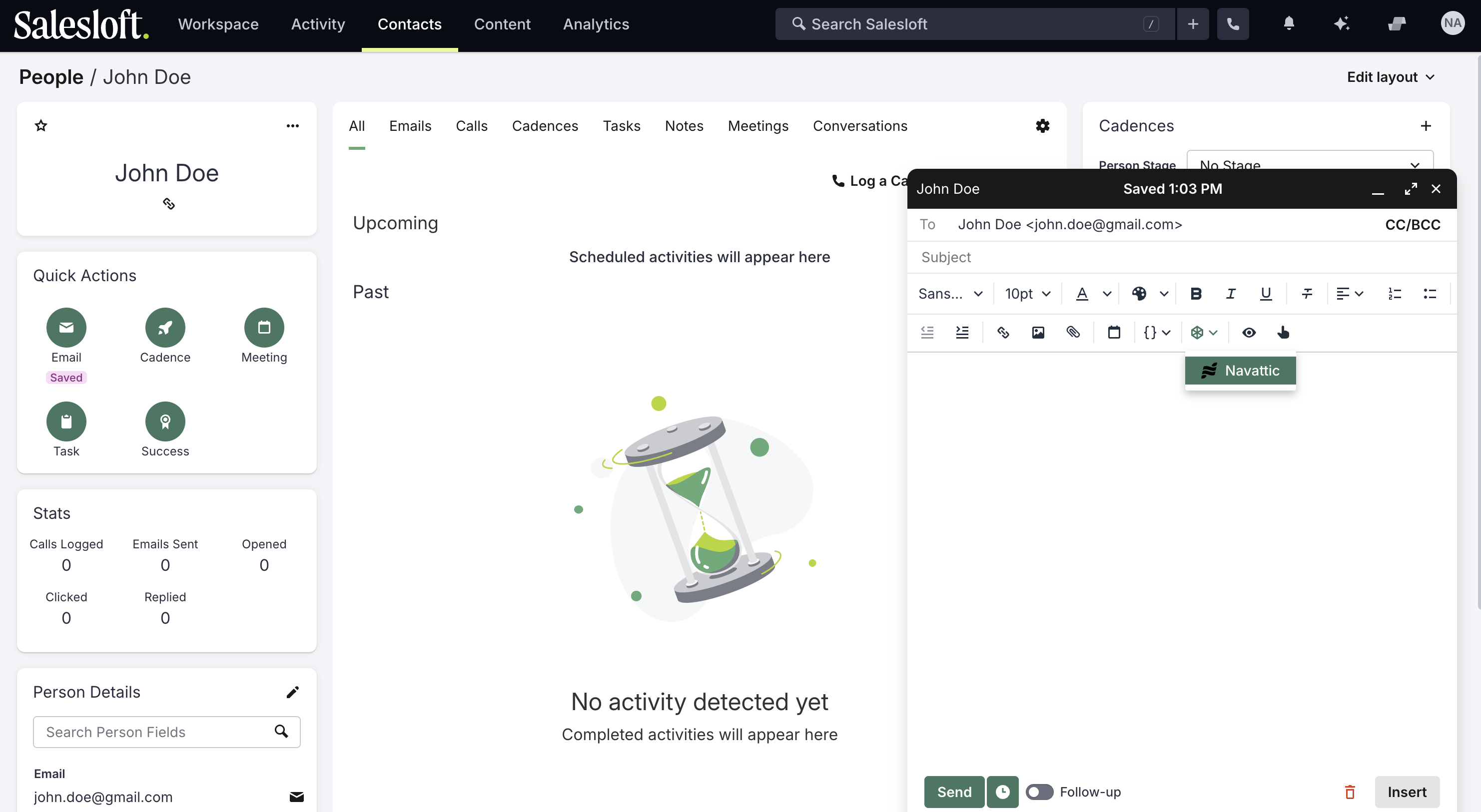 In the email compose window, click on the Navattic logo to launch the integration.
Follow steps to create a custom demo.
After creating the demo, the demo link and preview will be injected into the email body.
## Crafting emails with demos best practices
Read best practices for crafting emails based on use cases:
In the email compose window, click on the Navattic logo to launch the integration.
Follow steps to create a custom demo.
After creating the demo, the demo link and preview will be injected into the email body.
## Crafting emails with demos best practices
Read best practices for crafting emails based on use cases: