> ## Documentation Index
> Fetch the complete documentation index at: https://docs.navattic.com/llms.txt
> Use this file to discover all available pages before exploring further.
# Sharing Navattic Agents
> Distribute your published agent with a shareable URL or embed it on your website.
After publishing your Navattic Agent, you'll receive a shareable URL that you can distribute to prospects. When visitors access this link:
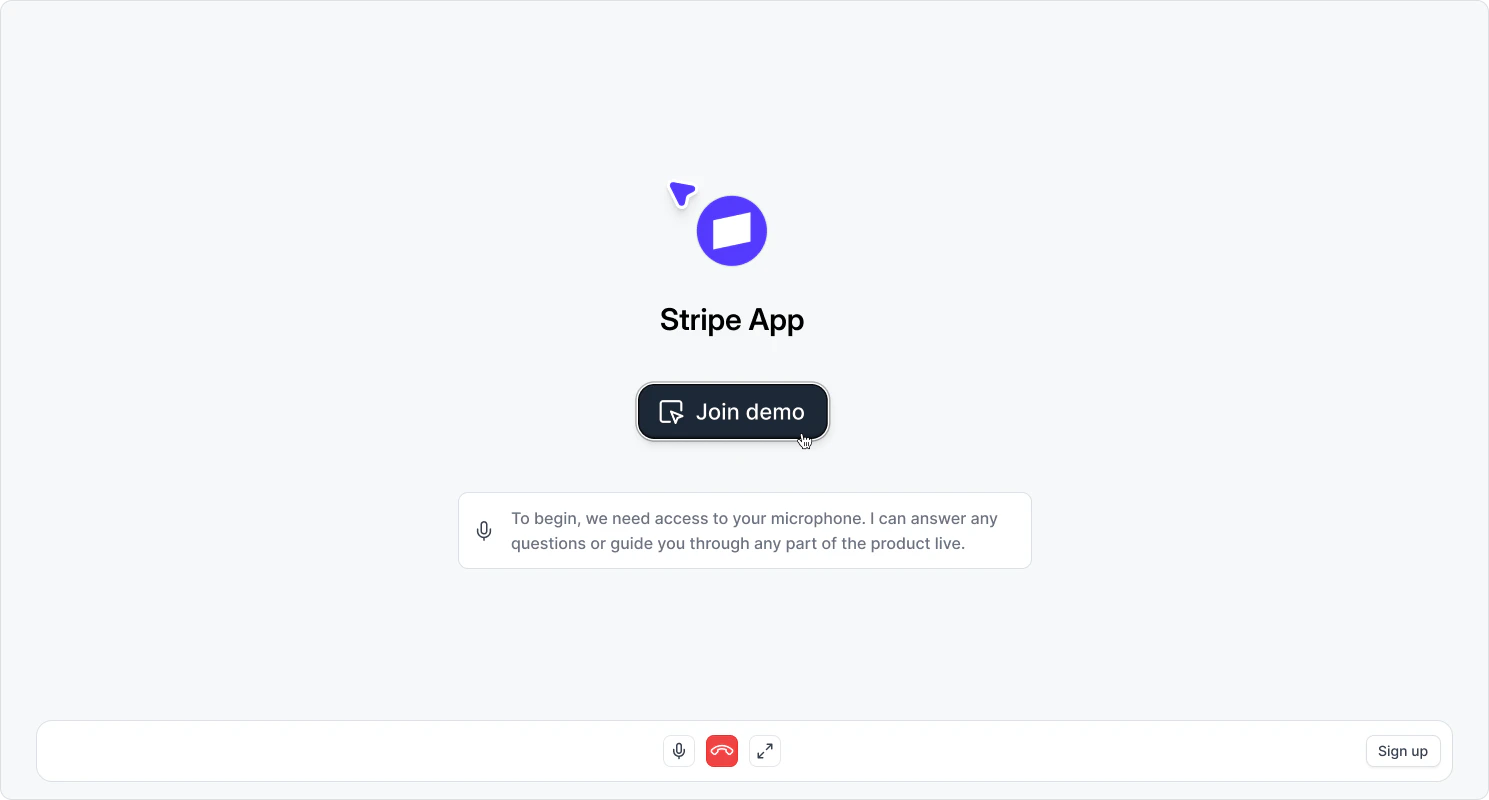 1. They'll be prompted to allow microphone access (if mic input is enabled for the demo)
2. The agent will greet them with your configured presentation message
3. A recording of your application will open, showing your pre-captured screens
4. The agent will guide the visitor through relevant captures based on the conversation
If **Allow mic input** is enabled, visitors will be prompted to grant microphone permission before
joining. If it's disabled, visitors skip the microphone step and interact through text chat only.
## Embedding on your website
Navattic Agents support the same embed options as interactive demos: inline, full page, and pop-up. See [Embedding a Navattic Agent](/share/embed#embedding-a-navattic-agent) for instructions.
1. They'll be prompted to allow microphone access (if mic input is enabled for the demo)
2. The agent will greet them with your configured presentation message
3. A recording of your application will open, showing your pre-captured screens
4. The agent will guide the visitor through relevant captures based on the conversation
If **Allow mic input** is enabled, visitors will be prompted to grant microphone permission before
joining. If it's disabled, visitors skip the microphone step and interact through text chat only.
## Embedding on your website
Navattic Agents support the same embed options as interactive demos: inline, full page, and pop-up. See [Embedding a Navattic Agent](/share/embed#embedding-a-navattic-agent) for instructions.